


Understanding the role of temperature sensors in smart thermostats
Why Temperature Sensors Matter in Smart Homes
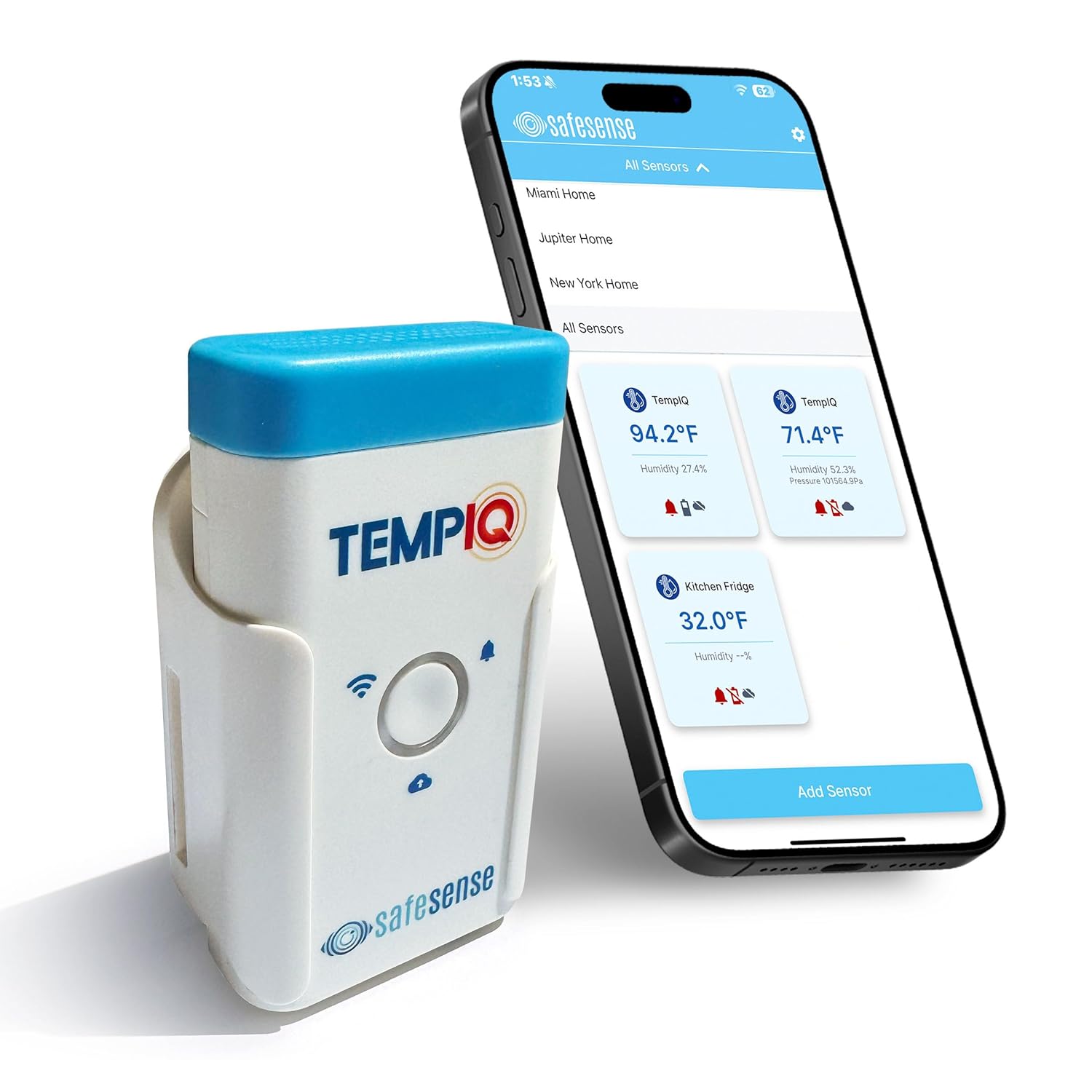
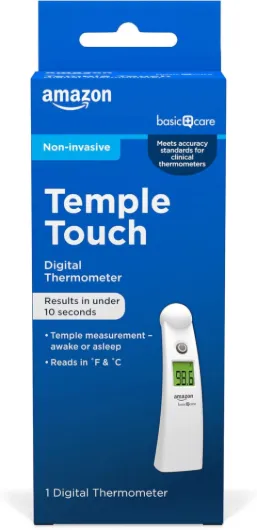
Temperature sensors are at the heart of any smart thermostat system. These small devices monitor temperature and, in some cases, humidity, providing real-time data to your home assistant. This information helps your thermostat make smarter decisions, adjusting heating or air conditioning to maintain comfort and efficiency. Whether you’re looking to monitor temperature in a specific room, your freezer, or even outdoor areas, choosing the right sensor is crucial for accurate temperature readings and automation.
How Sensors Communicate with Your System
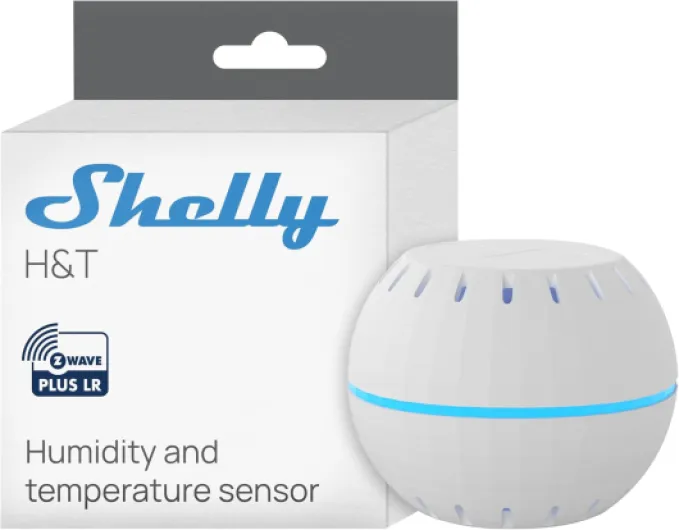
Most modern sensors connect via wifi or other wireless protocols, allowing seamless integration with your smart home assistant. Some are battery powered for flexible placement, while others require constant power through a cable. Features like RGB LED indicators, led buzzer alerts, and even humidity sensors can be included, depending on the model. The ability to monitor temperature and humidity in real time is especially useful for maintaining indoor air quality and protecting sensitive areas like freezers or basements.
Types of Sensors and Their Applications
- Indoor sensors: Ideal for bedrooms, living rooms, or any space where you want precise temperature control.
- Outdoor sensors: Useful for monitoring outside air temperature, which can inform your system’s automation routines.
- Specialty sensors: Designed for unique environments like freezers or garages, ensuring accurate temperature readings in challenging conditions.
Some advanced models, like those from Apollo Automation, offer enhanced accuracy and additional features such as humidity monitoring and integration with assistant wifi systems. These sensors help create a more responsive and efficient smart home environment.
For a deeper dive into how these sensors work with popular thermostats, check out this guide to understanding thermostat sensors.
Key features to look for in a home assistant temperature sensor
Essential qualities for precise temperature monitoring
When selecting a home assistant temperature sensor for your smart thermostat, accuracy and reliability are at the core. An accurate temperature sensor ensures your system responds to real time changes in air temperature, keeping your home comfortable and energy efficient. Look for sensors that provide precise temperature readings, ideally with a margin of error of less than 0.5°C. This is especially important if you plan to monitor temperature in sensitive areas like a freezer, outdoor spaces, or rooms with fluctuating temperatures.
Beyond temperature: humidity and more
Many modern sensors offer more than just temperature monitoring. A temperature humidity sensor can help you manage indoor air quality and comfort, especially in climates with high humidity. Some sensors also include features like humidity sensor integration, RGB LED indicators, or even a led buzzer for alerts. These additions can be useful for automation routines, such as adjusting air conditioning or triggering a dehumidifier when certain thresholds are met.
Power options and connectivity
- Battery powered: Offers flexibility in placement, but check battery life and whether the battery is included. Some models provide constant power options via cable for uninterrupted operation.
- WiFi and assistant integration: Assistant wifi compatibility ensures your sensor communicates seamlessly with your smart home system. Reliable wifi connectivity is crucial for real time updates and automation.
- Wired vs. wireless: Wireless sensors are easier to install, while wired options may offer more consistent power and data transmission.
Specialized features for smart homes
Some advanced sensors, like those from Apollo Automation, offer unique features such as RGB LED status lights or integration with smart home platforms for enhanced automation. Consider whether you need outdoor or indoor monitoring, freezer compatibility, or the ability to monitor multiple zones. For those interested in learning more about the benefits of room sensors, this guide on Honeywell room sensors provides valuable insights.
Choosing the right sensor for your system
Ultimately, the best temperature sensor for your home assistant setup will depend on your specific needs. Consider the size of your home, the number of sensors required, and whether you need features like humidity monitoring or freezer compatibility. Reliable, accurate sensors form the backbone of any smart thermostat system, supporting automation and maximizing comfort throughout your home.
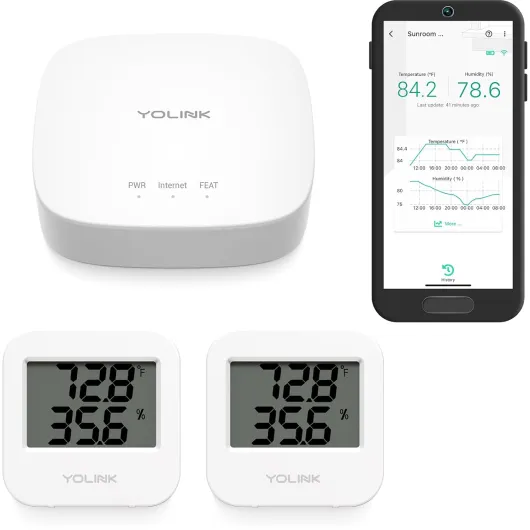
- + Long Range LoRa connectivity
- + 2 Year Battery life
- + Suitable for Various Environments: Wine Cellar, Bedroom, Nursery, Greenhouse, RV
- + App monitoring with Email & SMS alerts
- + Compatible with Alexa and IFTTT

Compatibility with your smart thermostat system
Ensuring Your Sensor Works with Your Smart Home System
When selecting a temperature sensor for your smart thermostat, compatibility is a top priority. Not every sensor will communicate seamlessly with your home assistant or automation system. Here’s what to consider for a smooth integration:
- Connectivity: Many sensors use WiFi, Zigbee, or Z-Wave to connect with your home assistant. Make sure your system supports the sensor’s protocol. For example, if your assistant relies on WiFi, a battery powered assistant wifi sensor is often the easiest to set up.
- Supported Platforms: Check if the sensor is officially supported by your smart thermostat or home automation platform. Some sensors, like those from Apollo Automation, are designed for broad compatibility, while others may be limited to specific brands.
- Power Options: Decide between battery powered and constant power (wired) sensors. Battery powered sensors offer flexible placement, but you’ll need to replace batteries periodically. For tips on this, see how to replace batteries in your Honeywell thermostat. Wired sensors with a cable can provide real time, accurate temperature readings without the hassle of battery changes.
- Sensor Types: Some sensors measure only temperature, while others include humidity sensors or even monitor air quality. If you want to track both temperature and humidity for better air conditioning control, look for a temperature humidity sensor. Outdoor and freezer sensors are also available for specialized needs.
- Integration Features: Advanced sensors may offer features like RGB LED indicators, a led buzzer for alerts, or the ability to trigger automations in your smart home system. These can help you monitor temperature changes or get notified if the air temperature goes out of range.
| Sensor Feature | Why It Matters |
|---|---|
| WiFi/Battery Powered | Easy to install, flexible placement, but check battery life |
| Humidity Monitoring | Improves comfort by tracking both temperature and humidity |
| Outdoor/Freezer Rated | Expands monitoring to more areas of your home |
| Automation Support | Enables smart routines for air conditioning and heating |
| Real Time Data | Ensures accurate temperature readings for your system |
Ultimately, the best sensor for your smart home is one that integrates smoothly with your existing system, provides accurate temperature and humidity data, and supports the automations you want to create. Always check the manufacturer’s compatibility list and user reviews before purchasing to avoid headaches down the line.
Installation tips for home assistant temperature sensors
Preparing for a Smooth Sensor Installation
Before you start installing a temperature sensor for your smart home assistant system, it’s important to gather the right tools and understand your setup. Check if your sensor is battery powered, requires constant power via a cable, or connects over wifi. Some sensors, like those from Apollo Automation, offer both battery and powered options, which can impact placement and maintenance.
Placement Matters for Accurate Temperature Readings
Where you place your sensor directly affects its ability to monitor temperature and humidity accurately. Avoid installing sensors near air conditioning vents, windows, or direct sunlight, as these can distort readings. For indoor sensors, choose a central location away from drafts. If you’re using a sensor for a freezer or outdoor monitoring, make sure it’s rated for those environments and can handle extreme temperatures.
- Indoor sensors: Place at chest height in a living area for best air temperature readings.
- Outdoor sensors: Ensure weatherproofing and avoid direct rain or sun exposure.
- Freezer sensors: Confirm the sensor’s minimum temperature rating matches your needs.
Connecting to Your Home Assistant System
Most modern sensors connect via wifi or Zigbee, but always check compatibility with your home assistant platform. Follow the manufacturer’s instructions for pairing. Some sensors, like those from Apollo, may include an RGB LED or buzzer to indicate successful connection. If your sensor supports real time temperature and humidity updates, verify that your system displays these readings accurately.
Powering Your Sensor: Battery or Wired?
Battery powered sensors offer flexible placement but require periodic battery changes. If you prefer constant power, look for sensors with a USB or other cable option. Some models include both, letting you choose what fits your home best. Always use the included cable or recommended batteries to ensure sensor accurate performance and avoid interruptions in automation routines.
Testing and Calibration
After installation, monitor temperature and humidity readings for a few days. Compare them with another trusted thermometer to check sensor accuracy. Some sensors allow calibration through your home assistant interface, which helps fine-tune readings for your smart home automation. If your sensor includes an LED buzzer or RGB LED, use these features to confirm it’s working as expected.
Troubleshooting common issues with temperature sensors
Identifying and Resolving Sensor Issues
When your smart home assistant temperature sensor isn’t working as expected, it can throw off your entire automation system. Here are some practical steps to help you get your sensors back on track and ensure accurate temperature and humidity readings.- Check Power and Battery: If your sensor is battery powered, a low or dead battery is a common culprit. Replace the battery and check if the sensor reconnects. For sensors with constant power or a cable, ensure the connection is secure and the power source is functioning.
- Verify WiFi and Connectivity: Many sensors rely on assistant wifi for real time data. If your sensor drops offline, check your home wifi network and make sure the sensor is within range. Rebooting your router or the sensor itself can sometimes resolve connectivity issues.
- Sensor Placement Matters: Incorrect placement can lead to inaccurate temperature readings. Avoid placing sensors near air conditioning vents, windows, or direct sunlight. For freezer or outdoor sensors, ensure they are rated for those environments.
- Review Automation Settings: Sometimes, the issue is with the home assistant automation rules rather than the sensor. Double-check your system’s settings to confirm that the sensor is included and configured correctly for your smart home routines.
- Monitor for Interference: Devices like led buzzer, rgb led lights, or other wireless gadgets can interfere with sensor signals. Try moving the sensor or reducing interference from nearby electronics.
- Update Firmware: Manufacturers often release updates to improve sensor accuracy and reliability. Use your home assistant system to check for firmware updates for your temperature or humidity sensor.
When to Replace or Upgrade Your Sensor
If you’ve tried the above steps and your sensor still isn’t providing accurate temperature or humidity data, it may be time to consider a replacement. Look for sensors that offer accurate temperature monitoring, support for both indoor and outdoor use, and features like real time monitoring or humidity detection. Some advanced options, such as the sensor apollo or apollo automation models, include additional features like led indicators or enhanced wifi connectivity. Keeping your sensors in top shape ensures your smart thermostat system can maintain the comfort and efficiency you expect in your home.Maximizing comfort and savings with multiple sensors
Getting the Most from Multiple Sensors
Using more than one temperature sensor in your smart home can make a real difference in comfort and energy savings. Many homes have rooms that heat or cool unevenly. By placing sensors in key areas—like bedrooms, living rooms, or even the freezer or garage—you get a more accurate picture of your home’s temperatures. This lets your smart thermostat adjust air conditioning or heating based on real-time sensor temperature readings, not just the main hallway.
- Balance indoor comfort: Sensors placed in different rooms help your system avoid hot or cold spots. For example, a battery powered sensor in the nursery can keep it at the right temperature, even if the rest of the home is warmer or cooler.
- Automate for savings: With home assistant automation, you can set your thermostat to react to temperature and humidity changes detected by sensors. If a sensor in the bedroom reads too warm at night, the system can lower the air temperature automatically.
- Monitor special areas: Use sensors in the freezer, outdoor spaces, or basements to monitor temperature and humidity. Some sensors include features like RGB LED, LED buzzer, or real time alerts for sudden changes.
- Choose the right power source: Battery powered sensors are flexible for placement, while constant power sensors (using a cable) offer uninterrupted monitoring. Consider your needs for each location.
- Integrate with smart home systems: Sensors that support assistant wifi or work with platforms like Apollo Automation can be included in routines. For example, when the humidity sensor detects high moisture, your system can activate a dehumidifier.
To maximize comfort, look for sensors that provide accurate temperature and humidity readings, and ensure they are compatible with your home assistant system. Some advanced models, like the sensor Apollo or Apollo Automation options, offer enhanced features for smart home integration. Always check if the sensors are included with your thermostat or need to be purchased separately.
Finally, regular monitoring and placement adjustments help maintain optimal air temperature throughout your home. This approach not only boosts comfort but can also lower your energy bills by preventing your system from overworking in response to inaccurate readings.