

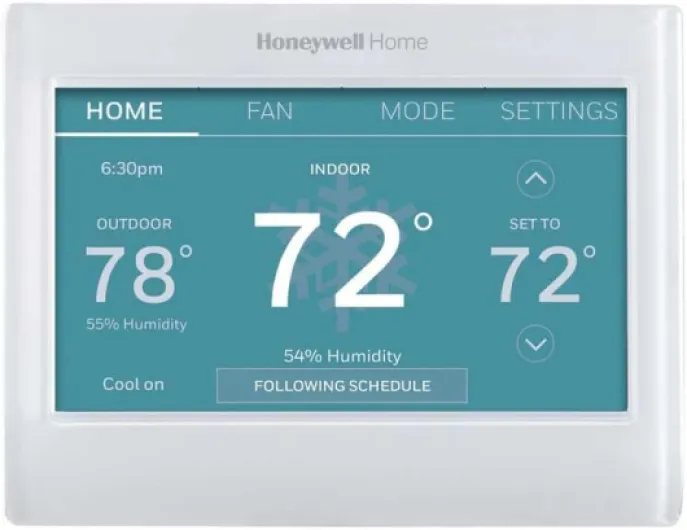
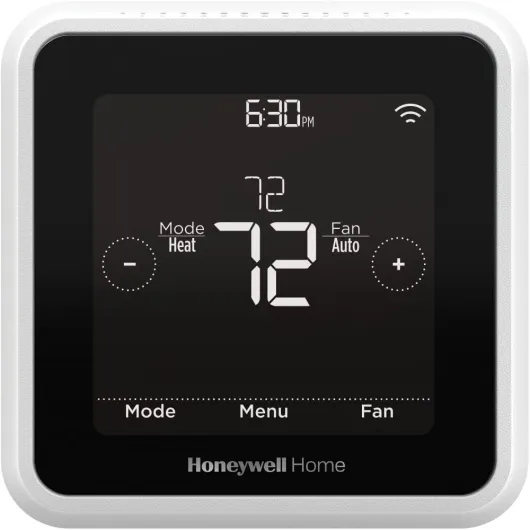
Understanding how a Honeywell thermostat controls your heating system
How your Honeywell thermostat communicates with your heating system
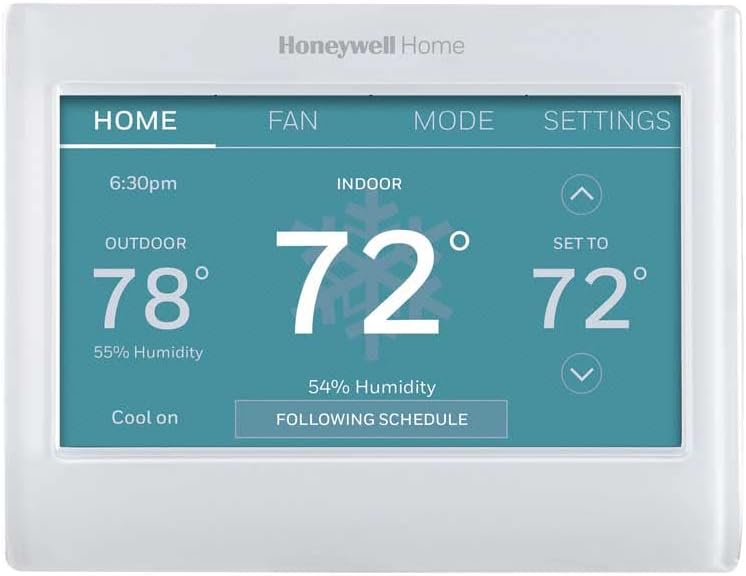
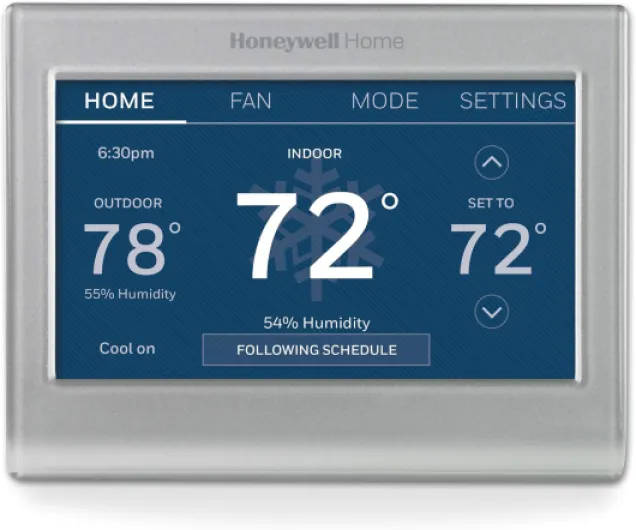
A Honeywell thermostat acts as the control center for your home’s heating. When you set the thermostat to heat, it sends a signal to your furnace or heating equipment to start running. The thermostat monitors the room temperature and compares it to the temperature you set. If the room is colder than your desired setting, the thermostat will turn on the heat until your home reaches the right comfort level.
Key components involved in heat control
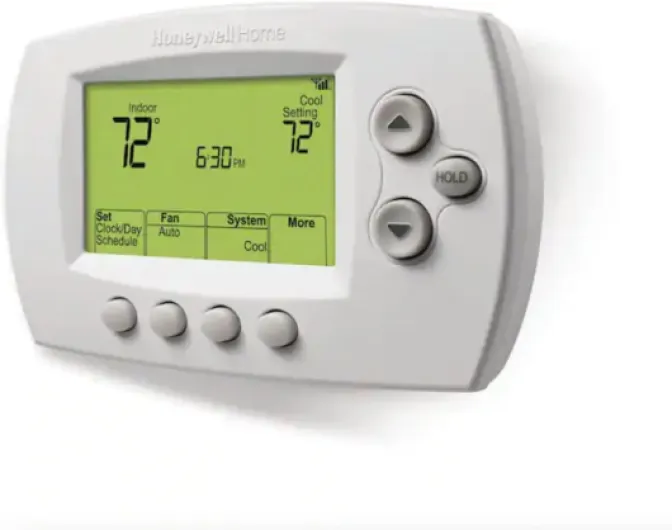
- Thermostat display and controls: This is where you set the temperature and choose modes like heat, cool, or auto. If your thermostat screen is blank or unresponsive, it can’t send the signal to your furnace, which is a common issue covered in the next section.
- Wiring and connections: The thermostat is connected to your heating system through low-voltage wires. These wires carry the signal to turn the heat on or off. If there’s a problem with the wiring or connections, your system may not respond.
- Power supply: Many Honeywell thermostats use batteries or draw power from the furnace. If the power supply is interrupted, the thermostat can’t function properly.
- Hold and schedule functions: Some models let you set a schedule or use a hold function to maintain a specific temperature. Understanding how to use the hold function can help you avoid confusion about why your heat isn’t turning on. For more details, check out this guide on how the hold function works.
What happens when you set the thermostat to heat
When you adjust your Honeywell thermostat to heat, it checks the current room temperature. If the temperature is below your set point, the thermostat sends a signal through the connected wiring to your furnace. The furnace then starts running, filling your home with warm air. If the thermostat is not installed correctly, not connected, or there’s an issue with the wiring, the heat will not turn on as expected.
Understanding these basics helps you identify where the issue might be if your Honeywell thermostat is not turning on the heat. The next steps involve checking for common problems, reviewing your thermostat settings, and making sure everything is properly connected and installed.

Common reasons your Honeywell thermostat is not turning on the heat
Why Your Thermostat Might Not Trigger the Heat
When your Honeywell thermostat is not turning on the heat, it can be frustrating, especially during colder months. Several common issues could be at play, ranging from simple settings to more technical problems with your furnace or wiring. Understanding these potential causes can help you decide whether to try a quick fix or seek professional help.
- Incorrect thermostat settings: Sometimes, the thermostat is not set to "heat" or the temperature is set too low for the furnace to activate. Double-check that your thermostat is set to heat and the desired temperature is above the current room temperature.
- Power supply problems: If your thermostat display is blank or unresponsive, it may not be receiving power. This could be due to dead batteries, a tripped circuit breaker, or an issue with the wiring. Ensuring the thermostat is properly connected and has a reliable power source is essential.
- Wiring or installation issues: A newly installed or recently serviced thermostat might have loose or disconnected wires. If the thermostat is not properly connected to the furnace, it will not be able to send the signal to turn on the heat.
- Furnace or HVAC system faults: Sometimes, the problem is not with the thermostat itself but with the furnace or heating system. If the furnace is not running, even when the thermostat is set to heat, there could be a more significant issue with the heating equipment.
- Software or firmware glitches: Modern Honeywell thermostats may experience software bugs that prevent them from functioning correctly. A reset or update might be necessary if the device is not responding as expected.
For more practical solutions and detailed troubleshooting steps, you can refer to this guide on how to fix your Honeywell thermostat. This resource covers many of the most frequent issues and offers step-by-step advice to get your thermostat heat working again.
Remember, if you are unsure about handling wiring or electrical components, or if your connected thermostat is still not working after basic checks, it may be time to contact a qualified professional. This ensures your system is safe, properly installed, and running efficiently, in line with your privacy policy and safety guidelines.
Checking thermostat settings and power supply
Reviewing Your Thermostat Settings
Before you assume there’s a major issue with your Honeywell thermostat or heating system, it’s important to double-check the basics. Sometimes, the problem can be as simple as an incorrect setting or a power supply issue. Here’s what you should look at first:
- Thermostat Set to Heat: Make sure your thermostat is set to heat and not cool or off. It’s easy to skip this step, but it’s crucial for your furnace to turn on.
- Temperature Setting: Confirm that the temperature is set higher than the current room temperature. If the thermostat set point is too low, the furnace won’t start running.
- Schedule Settings: Some Honeywell models allow you to program schedules. Check if the schedule is set correctly for the day (like Sunday) and time. An incorrect schedule can prevent the heat from turning on when you expect it.
- Privacy Policy and Data: While not directly related to heating, reviewing your thermostat’s privacy policy can help you understand how your data is used, especially if you have a connected thermostat. This can impact features and updates.
Checking Power Supply and Connections
If your thermostat display is blank or unresponsive, it might not be getting power. Here’s how to check:
- Batteries: If your Honeywell thermostat uses batteries, replace them with fresh ones. Low batteries can cause the thermostat to lose connection and fail to control the heat.
- Wiring: For hardwired models, ensure the thermostat is properly connected to the wall plate. Loose wires or poor connections can interrupt the signal to your furnace.
- Breaker: Check your home’s electrical panel. A tripped breaker can cut power to the thermostat or furnace, stopping the system from running.
Other Factors to Consider
- Furnace Switch: Make sure the furnace’s power switch is on. Sometimes, this switch is located near the furnace and can be turned off accidentally.
- System Compatibility: If you recently installed a new Honeywell thermostat, verify it’s compatible with your heating system. Incompatible devices may not communicate correctly, leading to issues.
- Oil Heating Systems: For homes with oil furnaces, monitoring the oil temperature is important for efficient operation. Learn more about the importance of an oil temp gauge for your smart thermostat system to ensure your system is running as it should.
By carefully reviewing these settings and power supply checks, you can often identify the root cause of why your Honeywell thermostat is not turning on the heat. If the issue persists, it may be time to look at wiring or consider professional help.
Troubleshooting wiring and connection issues
Inspecting Wiring and Connections in Your Honeywell Thermostat
If your Honeywell thermostat is not turning on the heat, wiring and connection issues could be the culprit. Even if your thermostat is set to heat and appears to be running, a loose or disconnected wire can prevent your furnace from responding. Here’s how to approach this issue safely and effectively:- Power Off First: Always turn off power to your heating system at the circuit breaker before inspecting any wiring. This step is crucial for your safety and to protect your equipment.
- Remove the Thermostat Cover: Gently remove the thermostat faceplate to access the wiring. Most Honeywell models allow you to do this without tools, but some may require a screwdriver.
- Check for Loose or Disconnected Wires: Inspect each wire to ensure it is securely connected to the correct terminal. Common terminals include R (power), W (heat), Y (cooling), and C (common). If a wire is loose or has come out, reinsert it and tighten the terminal screw.
- Look for Corrosion or Damage: Examine the wires for signs of corrosion, fraying, or damage. Damaged wires can interrupt the signal between your thermostat and furnace, causing heat issues.
- Verify Correct Installation: If you recently installed or replaced your thermostat, double-check that each wire is connected according to the manufacturer’s instructions. Incorrect wiring can prevent your thermostat from communicating with your heating system.
- Check the Furnace Connection: Sometimes, the issue is at the furnace end. Make sure the wires from the thermostat are securely attached to the furnace control board.
When to reset or update your Honeywell thermostat
Resetting and Updating Your Honeywell Thermostat: Steps and Considerations
If your Honeywell thermostat is still not turning on the heat after checking settings, power supply, and wiring, a reset or update might help resolve the issue. Sometimes, software glitches or outdated firmware can cause the thermostat to miscommunicate with your furnace or heating system.- Resetting the Thermostat: Most Honeywell models have a reset function. This can clear minor bugs or errors that may prevent the thermostat from running the heat as expected. Refer to your thermostat’s manual for the exact reset steps, as the process can vary by model. Usually, you’ll need to press a combination of buttons or remove the batteries for a short period.
- Updating Firmware: For connected thermostat models, check if there’s a firmware update available. Manufacturers release updates to fix bugs and improve compatibility. Updates are often managed through the Honeywell app or website. Make sure your thermostat is connected to Wi-Fi to receive updates.
- Check Privacy Policy and Data Settings: When updating, review the privacy policy and data sharing settings. This is especially important for smart thermostats that collect usage data. Ensuring your privacy settings are up to date can help you feel more secure about your connected device.
Knowing when to call a professional for help
Recognizing When Expert Help Is Needed
If your Honeywell thermostat still will not turn on the heat after you have checked the settings, power supply, and wiring, it may be time to contact a professional. Some issues are beyond basic troubleshooting, especially if you suspect a problem with the furnace, the connected thermostat wiring, or if the system was not installed correctly. Continuing to run the system with unresolved problems can lead to further damage or higher repair costs.
- If you notice the thermostat is set to heat but the furnace does not respond, or the display remains blank even after restoring power, a technician can safely diagnose the issue.
- Unusual noises, burning smells, or repeated system shutdowns are signs you should skip DIY fixes and seek professional support.
- When your thermostat is connected to a complex HVAC system or smart home network, a certified expert will ensure all components are properly installed and communicating.
- Warranty policies may require professional service for certain repairs. Always check your privacy policy and warranty terms before attempting advanced fixes.
Remember, safety comes first. If you are unsure about any step, or if the issue persists after basic troubleshooting, do not hesitate to fill out a service request or contact a licensed HVAC technician. This will help protect your home, your privacy, and your investment in your Honeywell thermostat.