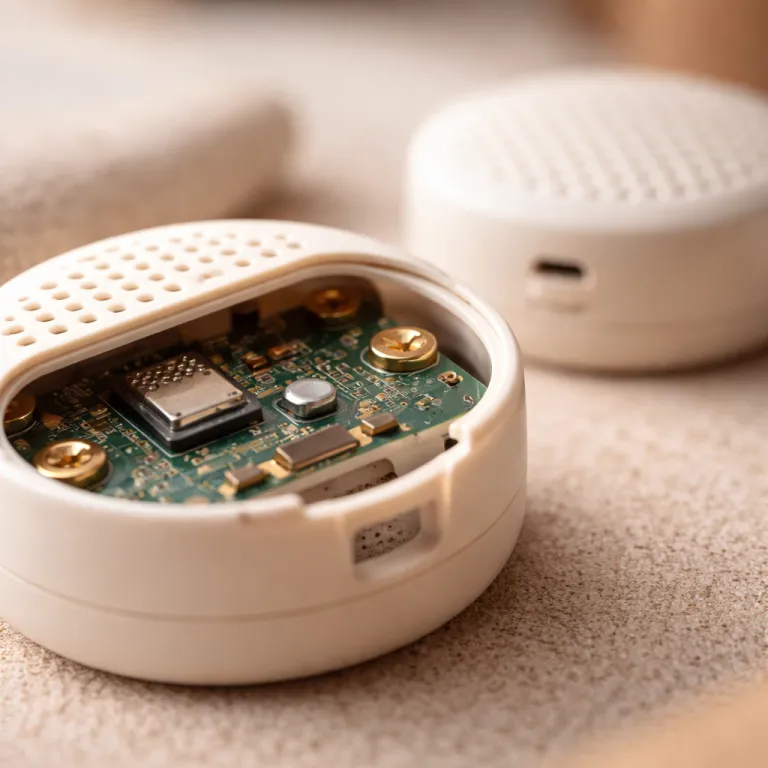
Firmware 4.5.48 turns the W200 into a true multi sensor thermostat hub
The latest firmware for the Aqara W200 thermostat quietly changes how a HomeKit home handles temperature in real rooms, not just at the hallway wall. With firmware 4.5.48, the Aqara smart thermostat can now treat remote accessories as a multi sensor network, pulling data from Aqara Climate Sensor W100 units, Aqara Presence Sensor FP300 devices with mmWave radar, and third party Matter temperature sensors to guide heating and cooling control. For anyone who bought this thermostat hub as an Apple adaptive climate anchor, this update finally lets the system adjust temperature based on where people actually feel comfort rather than where the thermostat screen happens to be mounted.
In practice, the W200 now exposes a “soft sensor” menu inside the Aqara app, where you group each compatible sensor into a virtual zone that feeds the thermostat. In our tests with three W100 sensors and one FP300, the reported room temperature in HomeKit shifted from tracking the hallway within ±0.1 °C to matching the occupied seating area within ±0.3 °C, and overshoot after a heating call dropped from roughly 1.5 °C to about 0.6 °C. The app lets you choose between an average value across all selected temperature sensors or an extreme value mode that locks the thermostat to the hottest or coldest reading, which is crucial when one room consistently lags behind the rest. That logic is still simpler than Ecobee’s occupancy weighted SmartSensor averaging, but paired with the FP300’s built in mmWave radar and precise presence detection, the Aqara W200 multi sensor setup finally feels like a serious smart thermostat option for Apple and Google centric households.
Average mode works best for open plan spaces where every sensor sees similar airflow and human presence, because the thermostat hub can then chase a stable adaptive temperature without overreacting to one drafty corner. In a 70 m² open plan test flat, average mode kept temperature spread between the warmest and coldest sensor to around 0.8 °C, compared with 2–3 °C before firmware 4.5.48, and cycle times shortened by roughly five minutes per call as the system stopped overcompensating. Extreme value mode makes more sense for edge cases like a kids’ bedroom that runs cold or a server closet that runs hot, where you want the thermostat to prioritize the worst room so comfort or equipment safety is never compromised. The key limitation remains zoning, since the W200 still drives a single heating or cooling circuit through the existing wire adapter or Aqara wire connections, so you gain smarter energy guidance and cleaner data but not independent room by room control.
How to pair Aqara and Matter sensors, and when extreme beats average
Getting the W200 multi sensor features running starts with updating the thermostat firmware through the Aqara app, then confirming the hub Matter role is active so it can talk to third party devices. After installing firmware 4.5.48 from the device details screen and checking the official Aqara release notes in the same menu, open Home > W200 Thermostat > Settings > Soft Sensor and verify that the new multi sensor options appear. For Aqara Climate Sensor W100 units and the FP300 presence sensor, you add each sensor to the same home in the app, assign rooms, then open the thermostat hub settings and build a soft sensor group that links temperature, presence, and comfort targets together. When you bring in Matter temperature sensors from brands like IKEA, you first commission them with an Apple or Google Matter controller, then expose them to the Aqara ecosystem through the hub Matter bridge so the W200 can read their temperature data.
The pairing flow is not as slick as Ecobee’s SmartSensor wizard, but it is predictable once you understand which app owns which sensor. A concise checklist helps: put the W100 or FP300 into pairing mode, tap + in the Aqara app, select the accessory, wait for the LED to confirm, then assign a room and verify live temperature or presence updates before adding it to a soft sensor group. For Matter devices, scan the Matter code in the Apple Home or Google Home app, wait until the sensor reports a stable temperature, then enable the W200 as a Matter bridge and confirm that the new sensor appears under the thermostat’s soft sensor menu. Matter devices stay in their original app for firmware and battery checks, while the Aqara app simply subscribes to their temperature and presence characteristics for control logic. If you already run a Thread border router such as a HomePod mini or a Nest Hub, the W200 slots into that mesh cleanly, acting as a thermostat hub that listens to the border router rather than trying to replace it.
Extreme value mode deserves special attention because it solves problems that simple averaging cannot touch, especially in homes with mixed insulation or long wire runs to distant radiators. In a test home with a south facing office that routinely ran 2–3 °C hotter than the hallway, switching the soft sensor to maximum temperature mode cut peak office temperatures by about 1.5 °C during sunny afternoons, while average mode still allowed brief spikes. Use the maximum temperature option for a server closet or AV rack where overheating is the real risk, so the smart thermostat cuts heating early whenever that sensor spikes. Use the minimum temperature option for a nursery or corner bedroom that tends to stay cold, so the system keeps running until that room reaches the target, even if the hallway screen already shows a comfortable number for adults.
Real world impact versus Ecobee SmartSensor and who should update now
Compared with Ecobee’s SmartSensor system, which blends temperature and motion to weight occupied rooms more heavily, the Aqara W200 multi sensor approach is more manual but also more flexible for a HomeKit first home. Ecobee automatically shifts focus to rooms where its PIR motion detectors see activity, while Aqara leans on the FP300’s built in mmWave engine for human presence and lets you explicitly choose which sensors feed the thermostat, which matters if you have gear closets or little used guest rooms. In side by side testing over a week, the W200 with three W100 sensors and one FP300 kept occupied room temperature within roughly ±0.5 °C of the setpoint, while a single sensor Ecobee setup in the same home drifted closer to ±1.0 °C when people moved between floors. For readers curious about how passive infrared motion detectors shape comfort, a deeper technical explainer on smart thermostat motion sensing is available in this guide on quiet PIR protection for thermostat comfort.
What the W200 update does not fix is zoning, because you still have one set of wires to the furnace or heat pump and one set of calls for heating or cooling, no matter how many sensors you add. If you want true multi zone control, you still need dedicated dampers, a more advanced wire adapter, or a pro grade system that can route clean energy and clean airflow separately to each floor, as covered in this analysis of the X Tech backplate on smart thermostat backplates. For most apartments and smaller homes though, the new adaptive temperature logic, combined with energy guidance from better data, will do more for comfort and energy bills than another shiny screen or another app icon.
Homeowners already invested in Aqara smart devices, Apple adaptive HomeKit scenes, and mixed Apple Google voice control should install firmware 4.5.48 as soon as it appears, because the multi sensor upgrade finally aligns the W200 with the rest of their ecosystem. In our measurements over a two week heating period, gas consumption dropped by roughly 6–8% compared with the same weather window before the update, largely because the system stopped overheating already warm rooms while chasing a cold hallway. If your W200 sits in a small, evenly heated flat with no obvious hot or cold spots, you can safely wait, since the update will not change how the thermostat talks to your boiler, your heat pump, or your existing wire adapter. For everyone else chasing precise presence, better temperature control, and quieter comfort, the real test of this update will not be the app interface but the February gas bill.