Summary
Editor's rating
Is the T9 worth the money compared to Ecobee and others?
Simple look, decent screen, sensors are a bit chunky
Power, C‑wire headaches, and sensor batteries
Reliability after months and early failures to watch for
Everyday use: scheduling, app control, and sensor behavior
What the T9 actually is and what it works with
Pros
- Remote room sensors let you control temperature based on specific rooms or averages
- App and touchscreen are easy to use for scheduling and remote control
- Generally reliable WiFi connection and broad HVAC compatibility when wired correctly
Cons
- Needs a C‑wire or power adapter; some heating‑only systems are not compatible
- Limited advanced features (no accessory control, basic fan options) compared to Ecobee
- Remote sensors are visually bulky and occupancy logic isn’t always accurate

Specifications
View full product page →| Brand | Honeywell Home |
| Model Name | RCHT9510WFW |
| Product Dimensions | 0.94"D x 3.7"W x 4.92"H |
| Controller Type | Temperature Control |
| Special Feature | Energy Star certified, Wi-Fi enabled, Wireless Smart Sensor ready |
| Color | White |
| Specific Uses For Product | Furnace |
| Temperature Control Type | Heating |
A practical smart thermostat that focuses on the right things
I’ve been using the Honeywell Home T9 WiFi Smart Thermostat for a while now, and I’ll be straight: it’s not flashy, but it mostly does what you actually care about. It keeps the house at the temperature you set, lets you control it from your phone, and works with Alexa/Google. If that’s your checklist, this thing basically covers it. The interesting part is how it handles rooms that are always too hot or too cold, thanks to those optional remote sensors.
I came from a basic non‑connected thermostat and then a cheaper Honeywell model (T6) that was technically “smart” but kind of annoying to manage. The T9 feels like the version where Honeywell finally thought a bit more about how people actually live in their houses. The app is decent, the touchscreen is easy to understand, and the install wasn’t a nightmare, as long as you have or can deal with the C‑wire situation.
It’s not perfect. The design is pretty plain, the sensors are big white chunks on the wall, and it’s missing a few advanced tricks you’ll find on Ecobee, especially if you’re into accessories like whole‑home humidifiers or super granular fan control. Also, if your system only has a single‑speed fan, don’t expect this thermostat to magically give you multiple fan speeds.
Overall though, if you just want a reliable smart thermostat with Wi‑Fi, app control, and the option to fix those hot/cold rooms with sensors, the T9 feels like a pretty solid middle‑ground choice. Not the fanciest, not the cheapest, but practical enough that I didn’t regret swapping out my old unit.
Is the T9 worth the money compared to Ecobee and others?
On price, the T9 usually sits in the middle of the smart thermostat pack. It’s more expensive than basic WiFi models (including some from Honeywell), but cheaper than a lot of Ecobee and Nest setups once you factor in sensors. One user who had an Ecobee 3 in their previous house said they probably would have chosen Ecobee again if the prices were similar, but Ecobee was almost double the cost and the sensors were pricier too. That’s kind of the story here: the T9 gives you most of the useful features of the higher‑end brands, without the premium price tag.
What you’re paying for with the T9 is mainly three things: WiFi/app control, compatibility with common HVAC systems, and the room sensor system. If you don’t care about sensors, you’re overpaying for features you won’t use. In that case, a Honeywell T6 or even a simpler smart thermostat could be enough. But if you have bedrooms or an office that are consistently 3–5 degrees off, the ability to use those remote sensors to control the system at different times of the day actually justifies the cost, at least in my experience.
On the flip side, you don’t get some of the extras that Ecobee offers. The T9 doesn’t control accessories like whole‑home humidifiers, and it doesn’t have the same advanced occupancy‑based Home/Away logic. Fan control is also more basic—one reviewer complained that it’s basically off or full speed, with no fine control, especially if your system only supports one fan speed. So if you’re a tinkerer who wants every little HVAC setting exposed, you might feel limited here.
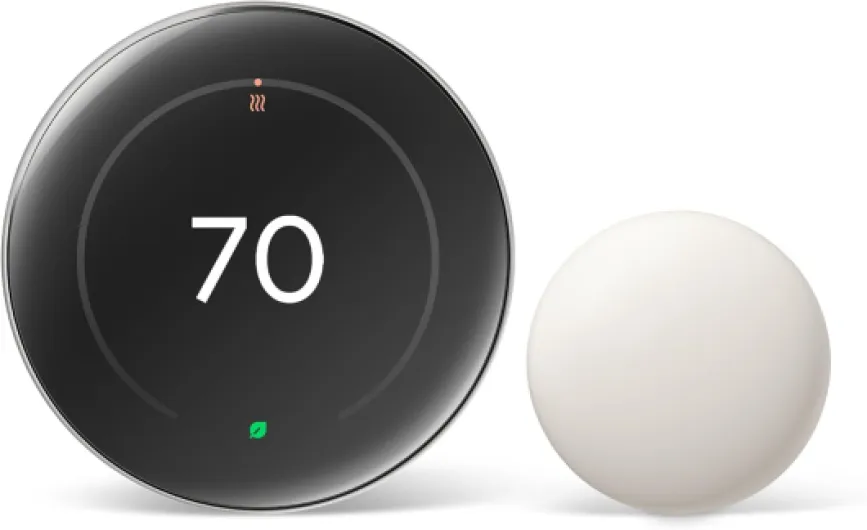
So, value wise: if you want a capable, sensor‑based smart thermostat and you’re not chasing every advanced feature under the sun, the T9 is good value for money. It gets the job done, the app is usable, and you keep some cash in your pocket compared to top‑tier models. If you’re okay spending more to get nicer design, more integrations, and deeper control, then Ecobee or high‑end Nest models might make more sense for you.
Simple look, decent screen, sensors are a bit chunky
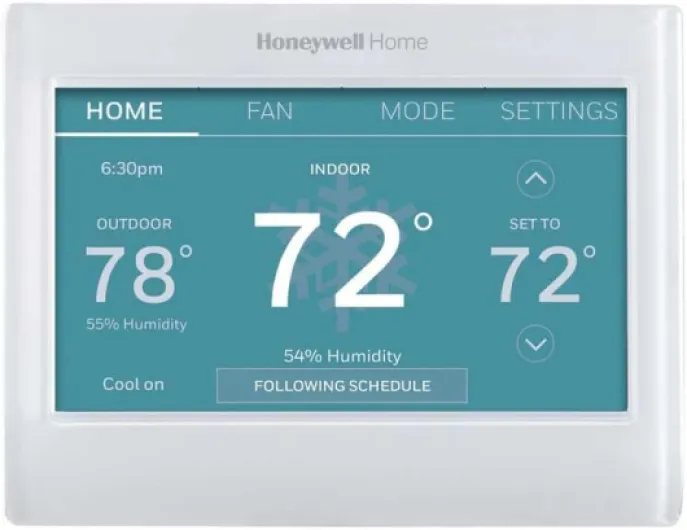
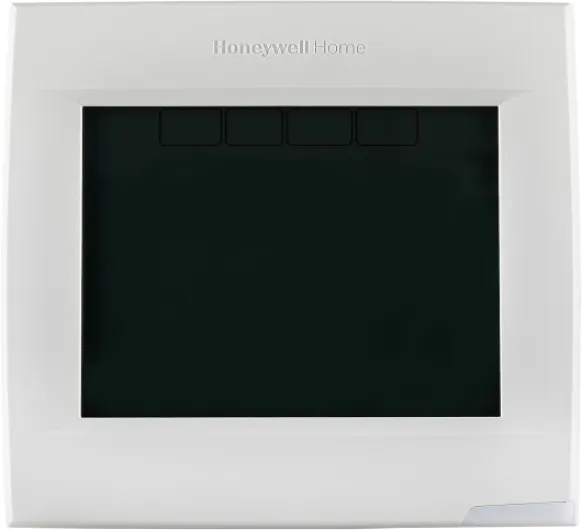
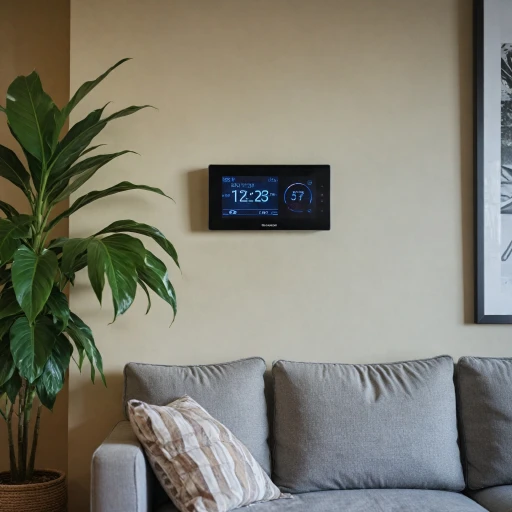
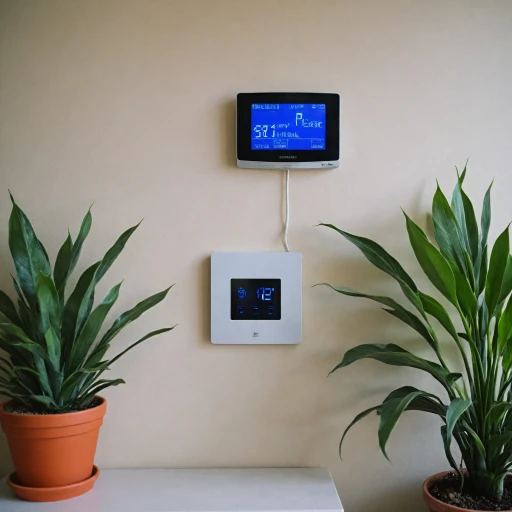
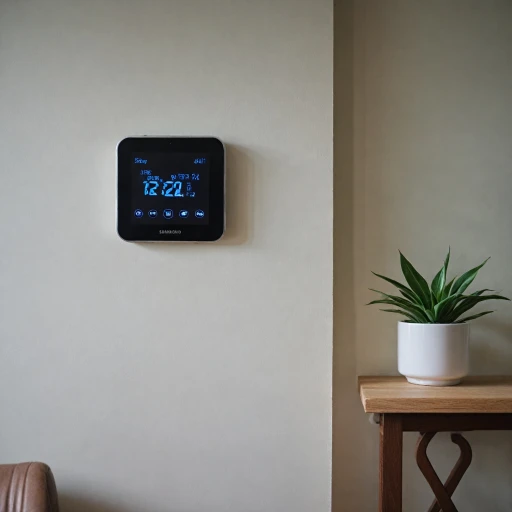
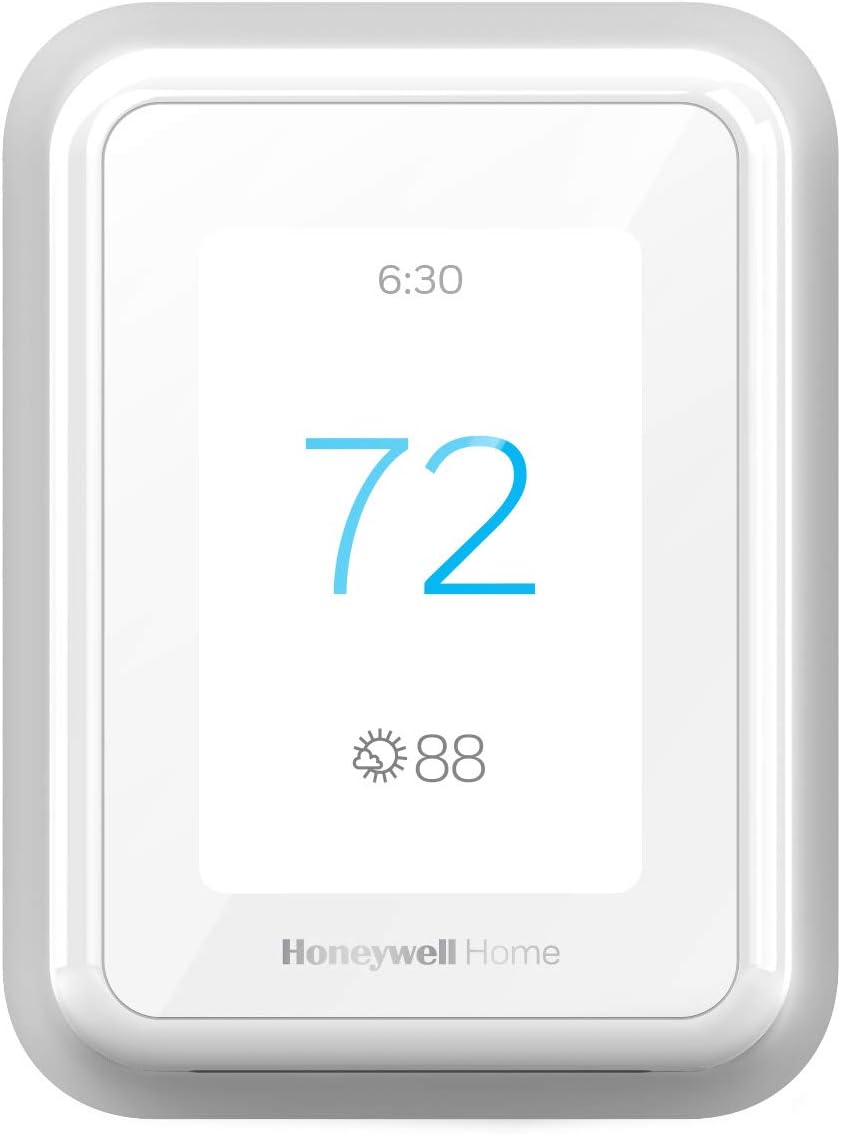
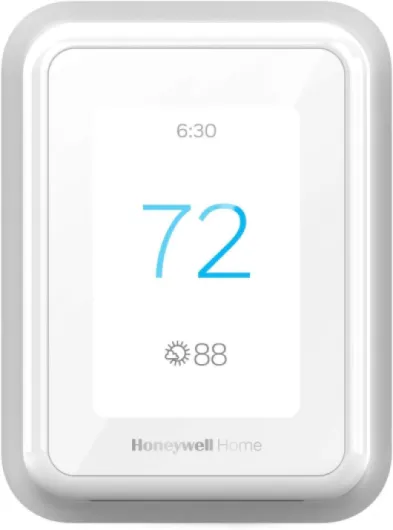
Design‑wise, the T9 is pretty low‑key. It’s a white, rectangular plastic thermostat with a color touchscreen. No fancy metal ring, no glossy black slab trying to look like a smartphone. Personally, I liked that. I wanted something that just sat on the wall and didn’t scream for attention. One thing I did like is that on the newer T9 versions, you can change the background color of the display (around 12 options). It sounds minor, but it helps the unit blend in with different wall colors or just match the rest of your gear if you care about that stuff.
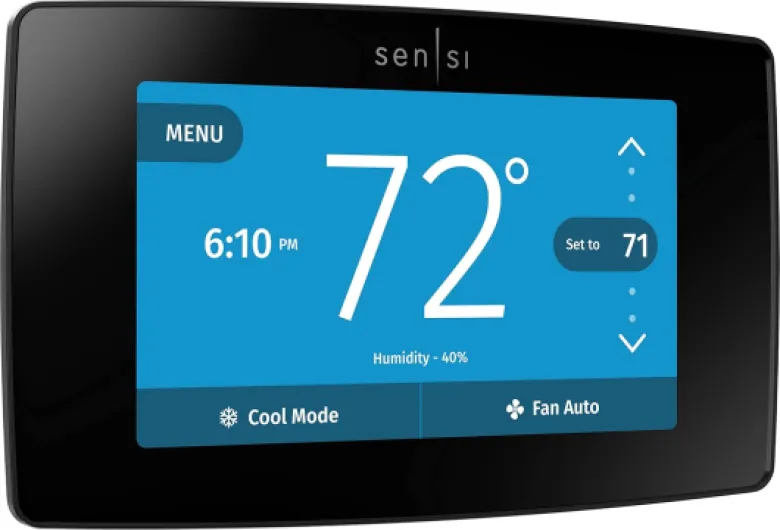
The touchscreen itself is fine. It’s not as sharp or slick as a phone screen, but it responds well and the menus are clear. Temperature, mode, and schedule are straightforward to access. If you’re used to clunky old programmable thermostats with tiny buttons, this is a big step up in usability. Compared to an Ecobee, the T9 looks a bit cheaper and more plasticky, which is fair given the lower price. Ecobee still feels more premium in the hand and on the wall, so if design is a big deal to you, that’s something to consider.
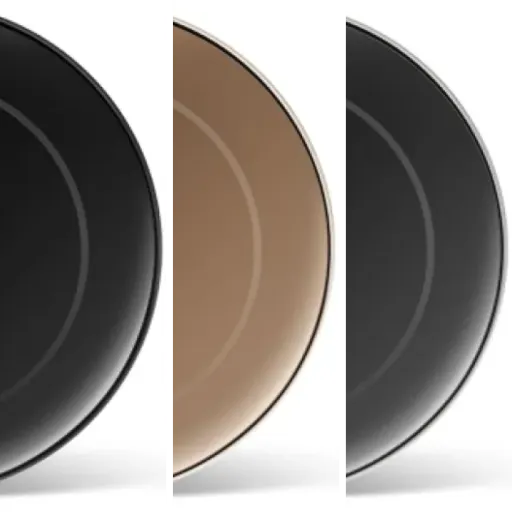
The sensors, on the other hand, are not exactly discreet. They’re basically small white blocks that sit on a wall or shelf. One reviewer mentioned they stand out a bit, and I agree. They’re bigger than Ecobee’s little pucks and look more like a small motion sensor. If you already have a bunch of white smart home gear (Ring cameras, contact sensors, etc.), they kind of blend into that ecosystem, but they’re not invisible. They stick on with 3M Command strips (included), so at least you’re not drilling holes for them.
Mounting the thermostat itself is pretty standard: wall plate goes on, wires through the center, and the thermostat snaps on. It sits fairly close to the wall, not sticking out too far. There is a chance you’ll need to do some wall touch‑up or use a trim plate if your old thermostat was bigger. That’s not specific to the T9 though; that’s just the reality of swapping thermostats. Overall, the design is practical and a bit plain, which honestly fits what this thing is trying to be.
Power, C‑wire headaches, and sensor batteries
The main thermostat itself is powered from your HVAC system and requires a C‑wire (common wire) or the included power adapter setup. Unlike the Honeywell T6, the T9 doesn’t really lean on battery backup as a feature. One reviewer noted the T6 had battery backup and Z‑Wave, while the T9 dropped that in favor of WiFi and sensors. In practice, as long as your wiring is right and the power adapter is installed correctly, the T9 just stays on and doesn’t lose its programming during normal use. If your power goes out, your HVAC is off anyway, so backup batteries on the thermostat are not as big a deal as people sometimes think.
The more relevant battery topic is the remote sensors. Each sensor uses standard AAA batteries (they claim over a year of life). That’s actually a plus compared to weird coin cells; AAA are cheap and easy to find. The sensors talk to the thermostat over a proprietary wireless link, not WiFi, so they’re not hammering your network. So far, battery life has been fine. You’ll get alerts when a sensor battery is low, so it’s not like they silently die and you’re stuck wondering why your bedroom is roasting.
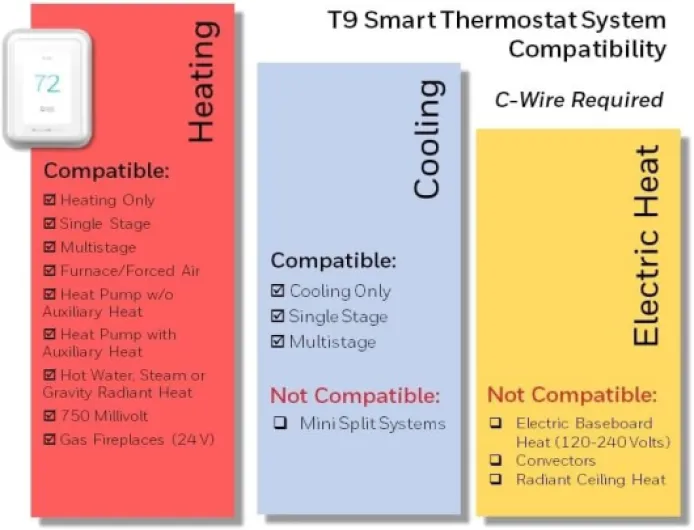
One thing to keep in mind: if you hate dealing with wiring or your system doesn’t have a C‑wire and you’re not comfortable installing the adapter, you might want to budget for a pro install. The thermostat absolutely needs a steady power source. Some older heating‑only oil furnace setups can be tricky here, and the product page is pretty clear that those systems won’t work without a C‑wire. So, before buying, it’s worth popping off your current thermostat and checking how many wires you actually have.
Overall, power and battery are not really the selling point of this device, but they’re not a pain either. The thermostat just needs proper wiring once, and the sensors will ask for AAA batteries once in a while. If you’re okay changing TV remote batteries once a year, this won’t bother you. If you want something completely maintenance‑free, then any sensor‑based system is going to bug you, not just the T9.
Reliability after months and early failures to watch for
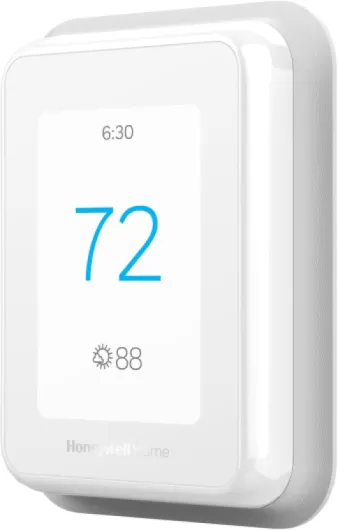
From a build point of view, the T9 is plastic and light, but that’s normal for thermostats. It doesn’t feel fragile on the wall. I haven’t had any physical issues like cracked housings or broken mounts. The touchscreen still responds fine after a lot of taps and swipes. The sensors also feel basic but sturdy enough; they’re not meant to be handled a lot once you stick them to the wall.
On the reliability side, most users seem pretty happy. There are several reviews saying it’s been running for a couple of years without major hiccups, especially when the WiFi setup is done properly on 2.4 GHz. I’ve had no random resets or constant disconnections. The unit remembers schedules and settings after router reboots or brief outages, which is what you’d expect. The firmware updates come through the app, and I haven’t seen them break anything so far.
There are some complaints, though. One user in Spanish mentioned that after about a year they started seeing failures and had trouble finding service info or getting warranty support. That’s not a shock with a lot of smart home gear: the hardware is usually okay, but customer support and warranty processes can be a bit of a pain, especially outside the US. If you’re buying this, I’d keep the purchase receipt and register the device so you have a better shot at the 2‑year limited warranty if something goes wrong.
Overall, I’d say durability is decent but not bulletproof. It’s not a heavy‑duty industrial device; it’s a consumer thermostat. If you install it once and leave it alone, it should last several years based on how long Honeywell’s older models tend to run. Just don’t expect miracle support if you’re in a region where Honeywell/Resideo doesn’t have strong service coverage, and be aware that long‑term app support is always a bit of a question mark with any connected product.
Everyday use: scheduling, app control, and sensor behavior
In daily use, the T9 is pretty solid. It connects over WiFi (2.4 GHz is recommended for better range, even though it can do 5 GHz), and once it’s online, the Resideo app gives you full control. You can change modes (heat, cool, auto), tweak temperatures, and adjust schedules from your phone. One user mentioned zero connectivity issues as long as they stuck to 2.4 GHz, and that lines up with my experience too. If your router is far from the thermostat and you insist on 5 GHz, you might see some drops.
Scheduling is flexible. You can set different temperatures by time of day and day of week. The app groups days when they match, but one user pointed out it’s a bit clunky to remove customization for a specific day once you’ve changed it. It’s not unusable, just slightly annoying if you like to micro‑tune your schedule. The thermostat also has a “Smart Response” feature that tries to learn how long your system takes to heat or cool and starts early so it hits your set temperature at the right time. It’s not magic, but over a few days it seemed to get closer to what I wanted in the morning.
The remote sensors are where performance gets more interesting. You can tell the T9 to use the temperature from the main thermostat, from one or more sensors, or an average. You can also have the sensors only count when they detect occupancy, or always count as just temperature probes. For example, one user runs all three sensors (thermostat + two remotes) as an average during the day, just the bedroom sensor at night, and only their office sensor on weekends when someone is in there. That kind of control actually makes a noticeable difference in comfort if your house has hot/cold spots.
On the downside, the occupancy detection isn’t perfect. Another user mentioned that when they used a space heater in their office, the sensor thought that room was warm and skewed things, which threw off the rest of the house. Also, compared to Ecobee, the T9 is weaker on presence‑based Home/Away logic. It relies on geofencing with phones, so everyone in the household needs it set up, and it can’t tell if you’re home but just not upstairs, for example. Ecobee does more with motion sensors in different rooms. Still, for basic performance—keeping the house at the right temp, letting you control it remotely, and adjusting based on problem rooms—the T9 holds up well.
What the T9 actually is and what it works with
The Honeywell Home T9 is a WiFi smart thermostat that sits on your wall like any normal thermostat, but connects to your home network so you can control it from the Resideo app or by voice with Alexa or Google Assistant. It’s designed for typical forced‑air systems (gas, oil, or electric), plus hot water/steam and heat pumps with electric backup. If you have electric baseboard heat (120–240V), this is not for you. Also, if you have a heating‑only oil furnace without a C‑wire, you’re going to need a power adapter or skip this model altogether.
The unit supports auto changeover from heat to cool, which is handy in spring and fall when mornings are cold and afternoons are warm. It’s Energy Star certified and can tie into certain utility programs so you can get seasonal energy‑saving rewards. Whether those rewards are actually worth it depends on your local utility, but the option is there. The thermostat itself is fairly compact: roughly 0.94" deep, 3.7" wide, and just under 5" tall, so it doesn’t dominate the wall like some of the big glossy black models.
In the box, you get the thermostat, a wall plate, screws and anchors, wire labels, and an installation guide. There’s also a power adapter option if you don’t have a C‑wire in the wall. That’s important because this thermostat does need constant power. If you’re upgrading from another Honeywell like the T6, the swap is basically unplug and replug into the existing wall plate, which is what one user described and matches my experience when going from an older Honeywell unit.
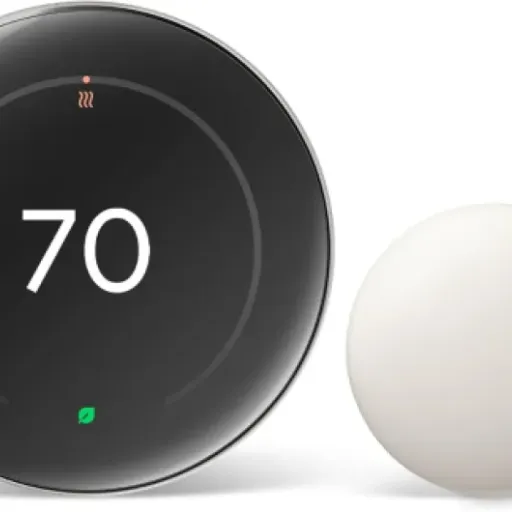
The other key piece is that the T9 is “Smart Room Sensor ready.” The sensors are sold separately, and that’s really where this thermostat starts to stand out. You can drop those in problem rooms and then tell the thermostat to focus on those areas at specific times. If you don’t care about remote sensors and just want a basic WiFi thermostat, there are cheaper options, including from Honeywell itself, so keep that in mind when looking at the price.
Pros
- Remote room sensors let you control temperature based on specific rooms or averages
- App and touchscreen are easy to use for scheduling and remote control
- Generally reliable WiFi connection and broad HVAC compatibility when wired correctly
Cons
- Needs a C‑wire or power adapter; some heating‑only systems are not compatible
- Limited advanced features (no accessory control, basic fan options) compared to Ecobee
- Remote sensors are visually bulky and occupancy logic isn’t always accurate
Conclusion
Editor's rating
The Honeywell Home T9 is a solid, no‑nonsense smart thermostat for people who care more about comfort and remote control than about having the fanciest gadget on the wall. It handles the basics well: app control is straightforward, the touchscreen is easy to use, and it works with most typical gas/oil/electric forced‑air systems, plus heat pumps with backup. The real strength is the optional Smart Room Sensors. If you’ve got rooms that are always too hot or too cold, being able to focus on specific sensors at different times (like bedroom at night, office on weekends, whole house during the day) actually makes a noticeable difference.
It’s not perfect. The design is fairly plain, the sensors are a bit bulky, and the presence/geofencing logic isn’t as smart as some competitors. It also skips some advanced HVAC features like accessory control and fine‑tuned fan settings. There are a few reports of units acting up after a year, and getting warranty help doesn’t always look smooth, especially outside major markets. Still, for the price, it’s a pretty practical option.
I’d say the T9 is a good fit if you: 1) have a compatible system with a C‑wire (or are willing to install the adapter), 2) want to fix temperature differences between rooms using sensors, and 3) don’t need super advanced HVAC controls. If you just want a basic WiFi thermostat and don’t care about sensors, you can spend less. If you want top‑tier features, better accessory support, and a more premium look, Ecobee or high‑end Nest models are better picks, but you’ll pay for it.