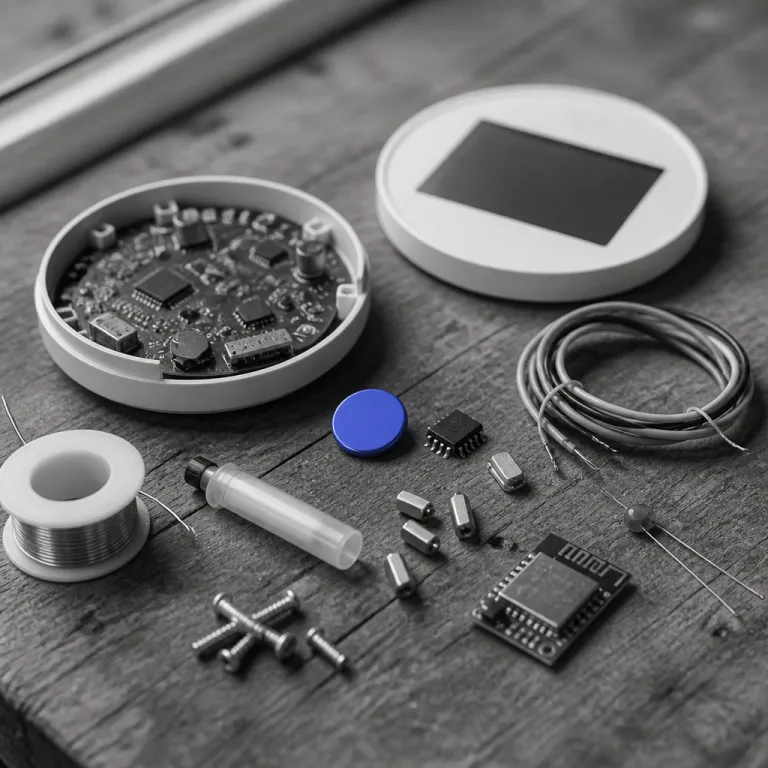
Why your smart thermostat goes blank after an outage
When the lights snap off, your smart thermostat usually follows. The device depends on low voltage power from the HVAC control board, so when the house loses power the thermostat loses its lifeline and the screen often goes blank. If the power flickers several times, that repeated stress can confuse the system and leave a blank thermostat even after the breaker comes back on.
Most smart thermostats, whether Nest, Ecobee, or Honeywell Home, store the core temperature schedule in non volatile memory. That means the temperature schedule and each set point usually survive after outage events, even if the thermostat loses WiFi or the current time for a while. What often disappears after power is the thermostat hold status, some schedule settings, and any temporary point temperature overrides you set right before the power outage.
Think of the thermostat as a small computer riding on your HVAC wiring. When the breaker trips or a surge hits the line, the control board may shut down to protect itself and the thermostat loses power instantly. After power returns, the system sometimes boots slowly, so a thermostat blank screen for a few minutes can be normal, but a power thermostat that stays blank for more than ten minutes usually signals a deeper voltage or wiring problem.
What different brands remember after power returns
Not all smart thermostats behave the same way after power comes back. Nest smart thermostats keep your main schedule in the cloud and on the device, so the temperature schedule and each set point usually reload correctly after outage cycles. However, when the power flickers repeatedly, some Nest models forget WiFi credentials or lose sync with remote sensors until you guide them through a quick reset.
Ecobee smart thermostat models rely heavily on cloud backup but also store data locally. In most houses, Ecobee units remember the current time, schedule settings, and thermostat hold modes after power, yet they may temporarily lose contact with wireless room sensors or demand response programs. Honeywell Home and Resideo thermostats vary more by model, and older WiFi thermostats sometimes revert to a default point temperature or basic schedule after a long power outage.
One subtle difference appears in how each system handles recovery after outage events. Some models aggressively chase the set point, running the HVAC system at full blast to recover quickly, while others stage equipment more gently to protect the control board and avoid breaker trips. If you use a heat pump, the wrong recovery logic can also interfere with defrost cycles and staging, which is why detailed guides on heat pump defrost cycles and thermostat staging matter when you choose a smart thermostat for a complex system.
Backup batteries, breakers, and when a blank screen means trouble
Many homeowners assume the small battery inside a smart thermostat will keep everything running during an outage. In reality, that battery only powers the screen and memory for a short time, and it never runs the HVAC equipment because the system needs separate low voltage power from the furnace or air handler. Once that low voltage disappears, the thermostat loses power and the screen goes blank even if the internal battery still has charge.
After power returns, start your troubleshooting at the electrical panel, not at the wall. Check whether any HVAC breaker trips occurred, then firmly reset the breaker for the furnace, air handler, or heat pump so the control board can reboot safely. If the thermostat remains blank after outage recovery and the breaker stays on, you may have a blown low voltage fuse on the control board, a damaged transformer, or a wiring issue that calls for a qualified technician.
Older houses with mixed wiring often hide surprises behind the thermostat plate. Before you upgrade to a new smart thermostat, use a wiring checklist such as a quick thermostat wiring diagnosis guide to confirm you have a proper C wire and stable voltage. That simple step reduces the odds that the thermostat loses power every time the power flickers, and it helps prevent repeated breaker trips that can eventually damage the HVAC system control board.
Post outage checklist to get your schedule and comfort back
Once the lights are steady again, treat your smart thermostat like a small appliance that just crashed. First, confirm that the screen is no longer blank, then verify the current time, the active temperature schedule, and each set point for your main occupied periods. If the thermostat loses track of time or shows a default point temperature, correct those basics before you worry about advanced schedule settings or smart home routines.
Next, walk through your comfort routines step by step. Check whether thermostat hold modes are still active or whether the device dropped a temporary thermostat hold when the house lost power, because that can leave rooms warmer or cooler than expected. Then open the app to confirm that the thermostat can sync with WiFi, that remote sensors still report accurately, and that any demand response or utility control programs did not lock the system into an unexpected hold after power returned.
Finally, test the HVAC system itself rather than trusting the icons on the screen. Call for heating, then cooling, and listen for the equipment to start without hesitation or strange noises from the control board or blower. If the system fails to respond, or if the thermostat blank condition returns when the power thermostat calls for cooling, shut the breaker off safely and schedule a visit from a licensed technician before the next storm rolls through.
Preventing damage from surges and avoiding wild temperature swings
Repeated outages are rarely just about inconvenience, because every surge and voltage dip hits your HVAC electronics. A whole house surge protector at the main panel does more to protect the furnace control board and compressor than any feature inside a wall mounted thermostat. When the power flickers several times in a row, that surge protection can be the difference between a quick reset and a blank thermostat that never wakes up.
Comfort management after power events also depends on how you configure recovery behavior. Many smart thermostats include settings that control how aggressively the system chases the set point after a long outage, and a gentler recovery prevents the equipment from running flat out for hours. Look for options that limit how far the point temperature can drift before recovery, and avoid stacking a manual thermostat hold on top of an automated temperature schedule when storms are in the forecast.
Energy savings do not stop with heating and cooling cycles. If your model supports humidity control, learn how to use features such as a dehumidify mode, because guides on thermostat dehumidify settings show how to keep the house comfortable without overcooling after outage events in humid weather. In the end, the smartest configuration is the one that protects your equipment, keeps the screen from going blank when the breaker trips, and quietly restores your preferred schedule while you focus on more important things than the current time on a tiny display.
FAQ
Why is my thermostat screen still blank after power is restored ?
If the thermostat screen stays blank long after power returns, the device may not be receiving low voltage from the HVAC control board. Check whether the HVAC breaker trips repeatedly or whether a fuse on the control board has blown, then reset the breaker safely once before calling a technician. A thermostat that loses power every time the system starts often signals a wiring problem or a failing transformer rather than a bad screen.
Will my smart thermostat lose its schedule after a power outage ?
Most modern smart thermostats store the core temperature schedule and each set point in non volatile memory, so they usually keep that data after an outage. What you may lose are temporary overrides, thermostat hold modes, or the correct current time if the device cannot sync with the internet. Always review your schedule settings and confirm that the point temperature for each period still matches your comfort plan once the house has full power again.
How can I protect my HVAC system from surges during outages ?
The most effective protection is a properly installed whole house surge protector at the main electrical panel. That device helps shield the HVAC control board, thermostat wiring, and other sensitive electronics from sudden voltage spikes when the power flickers on and off. For extra safety, avoid repeatedly flipping the breaker during an outage, and let a licensed technician inspect the system if the thermostat blank condition appears more than once.
Do I need a backup battery for my smart thermostat ?
A backup battery can keep the thermostat memory and sometimes the screen alive for a short time, but it will not run the HVAC equipment during an outage. The system still depends on low voltage power from the furnace or air handler, so the thermostat loses power as soon as that supply disappears. A battery is useful mainly to preserve schedule settings and the current time until the device can sync again after power returns.
When should I call a technician after an outage ?
Call a technician if the thermostat remains blank after you reset the breaker once, if the HVAC system will not start even though the screen looks normal, or if breaker trips recur whenever heating or cooling begins. Those symptoms suggest issues with the control board, transformer, or wiring that go beyond a simple reset. Handling those problems safely protects both your equipment and your house from further electrical damage.