Summary
Editor's rating
Value: worth it if you’re already in the Z-Wave ecosystem
Design: plain looks, but thought-through for wiring and setup
Power and battery: flexible, but some confusion
Durability and reliability: feels decent, but not bulletproof
Performance: stable, predictable, and easy to automate
What this thermostat actually is (and what it isn’t)
Pros
- Strong Z-Wave integration with hubs like SmartThings, Hubitat, Vera, and some alarm panels
- Flexible HVAC support (gas, A/C, heat pump, even RV setups with some effort)
- Stable temperature control and good long-term reliability once configured correctly
Cons
- Installer setup is confusing for non-technical users and requires careful reading of the manual
- Built-in scheduling is disabled when paired to a Z-Wave controller, so you rely fully on your hub
- Plain design and dated interface compared to modern Wi-Fi smart thermostats

Specifications
View full product page →| Brand | Honeywell |
| Model Name | TH6320ZW2003 |
| Product Dimensions | 2"D x 6"W x 7"H |
| Controller Type | SmartThings, Vera |
| Special Feature | Programmable |
| Color | White |
| Specific Uses For Product | Thermostat |
| Temperature Control Type | Automatic |
A smart thermostat for people who actually use a hub
I put the Honeywell T6 Pro Z-Wave (model TH6320ZW2003) in place of an older basic programmable thermostat because I wanted something that talks directly to my smart hub over Z‑Wave, not Wi‑Fi and cloud accounts. I’ve been running it for a while now with a hub and a standard forced‑air system, and overall it’s a pretty solid workhorse. Nothing flashy, but it does what I bought it for: reliable remote control and automation.
Right away, it’s clear this is aimed at people who already have a Z‑Wave setup: SmartThings, Hubitat, Vera, alarm panels, that kind of thing. If you’re expecting a Nest‑style experience with a fancy app from Honeywell and nice animations, that’s not what this is. It’s more of a "give me the controls and get out of my way" thermostat. The screen is basic, the menus are a bit old‑school, but the core functions are there.
What surprised me is how flexible it is with HVAC types. I’ve seen people run it on classic gas furnaces with A/C, heat pumps, and even RV setups that are a bit hacked together. The internal config menu is deep: you can tweak cycle rates, system type, stages, and a bunch of stuff most people will never touch. That power comes with a downside: setup is not exactly idiot‑proof, and the manual actually matters here.
If you just want a simple "set and forget" thermostat with a pretty interface, this might feel overkill and a bit clunky. But if you already live in the SmartThings/Hubitat world and want a thermostat that joins your Z‑Wave network cleanly and doesn’t depend on some cloud account, this one gets the job done and stays out of the way once it’s dialed in.
Value: worth it if you’re already in the Z-Wave ecosystem
On price, this thermostat usually sits in the mid‑range. It’s cheaper than the big Wi‑Fi brands with color screens and fancy learning algorithms, but more expensive than a basic non‑connected programmable unit. For what you get—Z‑Wave connectivity, solid HVAC support, and Energy Star compliance—the value is pretty good, assuming you’re the right type of user. The Amazon rating around 4/5 with hundreds of reviews matches my feeling: it’s good, not perfect.
The big thing is who this is for. If you already have a Z‑Wave hub (SmartThings, Hubitat, Vera, an alarm panel, etc.) and you want your thermostat to plug directly into that network without extra cloud accounts, this is one of the better options. It works cleanly with those systems, exposes useful data, and lets you automate heating and cooling with the same rules engine you use for lights, locks, and sensors. In that context, the price makes sense because you’re paying for that integration and flexibility, not a pretty screen.
If you don’t have a hub and you’re not planning to get one, the value drops. You’re basically paying for a feature (Z‑Wave) you won’t use, and you’d probably be better off with a simpler Wi‑Fi thermostat with its own app, or even a straight programmable unit. Also, if you’re not comfortable reading wiring diagrams and digging through installer menus, you may end up paying an HVAC tech to set it up, which eats into the value quickly.
For me, compared to what I used before—a cheap programmable thermostat plus a separate temperature sensor—it’s an upgrade that simplifies my setup. I can automate everything from one place and check on the house remotely without juggling multiple apps. So, value is good for smart‑home folks, "just okay" for everyone else. Definitely not the cheapest way to control temperature, but a fair deal if you actually use the smart features.
Design: plain looks, but thought-through for wiring and setup
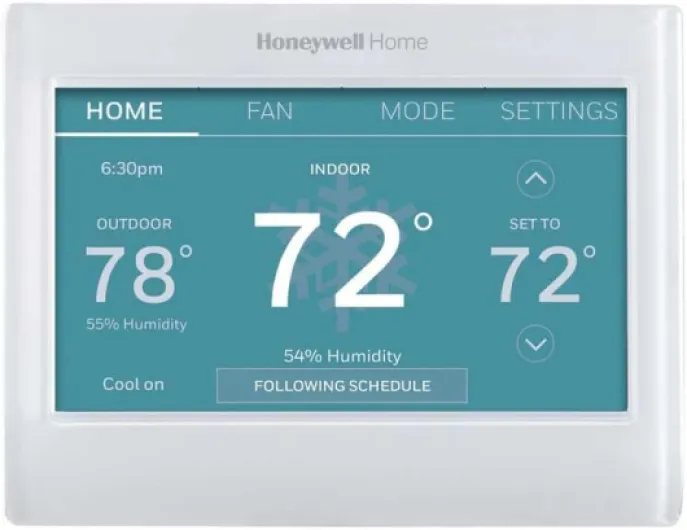
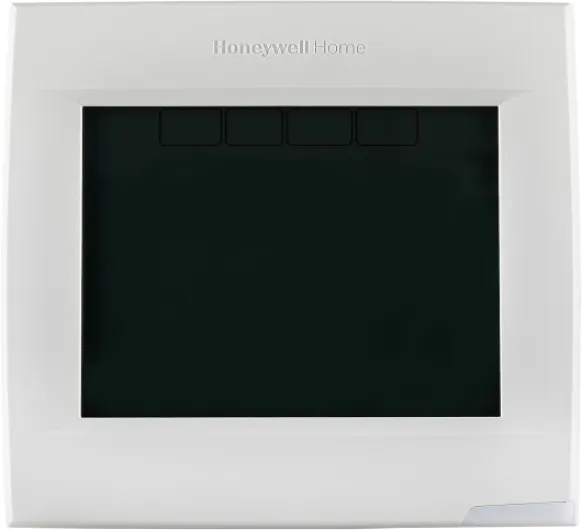
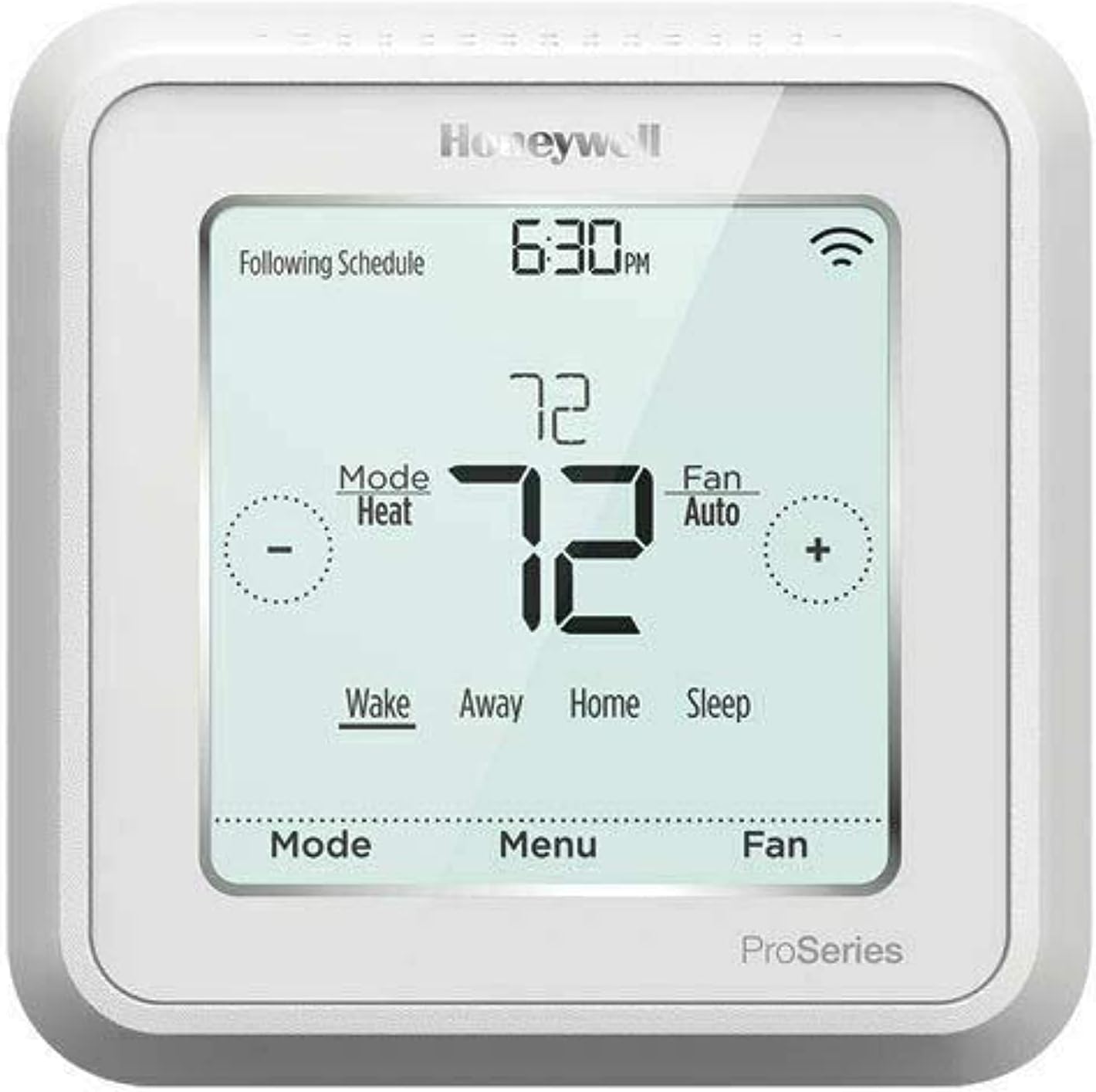
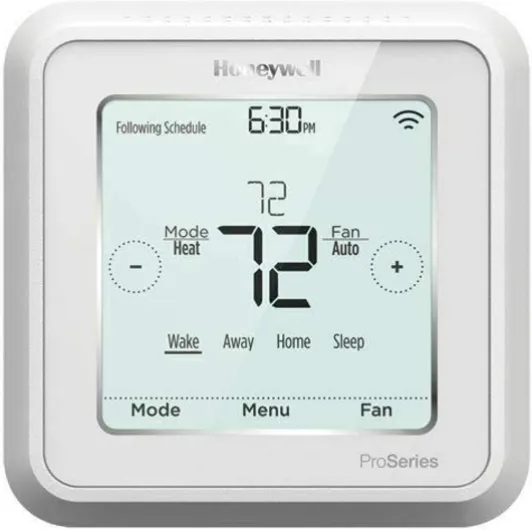
Visually, the T6 Pro Z‑Wave is very plain: white plastic, rectangular shape, simple touchscreen. If you’re hoping for something that looks like a piece of modern art on your wall, forget it. Personally, I don’t care what my thermostat looks like as long as I can read it quickly. The 2.3-inch display is not huge, but the digits for temperature are big enough to read from across the room. Backlight is decent: bright enough when you tap it, not blinding at night.
Where the design actually shines is in the wiring base and mounting. The base plate has push‑in terminals that make hooking up the control wires easier than some older screw‑type terminals. The cover flips up to hide the wiring once it’s in place, which keeps things tidy. The main thermostat body then just snaps onto the base. I liked that, because I could wire everything carefully, mount the base, and only then click the thermostat on without wrestling with it while the wires hang out.
The included larger backplate is handy if your old thermostat left ugly paint lines or a big unpainted area. One Amazon reviewer mentioned choosing to skip the backplate for a cleaner, slimmer look, and I did the same. It sits fairly close to the wall and doesn’t feel bulky. Everything is plastic, obviously, but the plastic doesn’t feel super cheap or flimsy. Buttons have a straightforward, slightly firm click, and the touchscreen is resistive‑style, so it’s more like older GPS units than a smartphone. It’s not fancy, but it responds fine.
My only real complaint on design is the menu navigation. The installer setup menus are buried behind codes and sequences, and the UI feels like something from 10+ years ago. It works, but if you’re used to modern phone‑like interfaces, this will feel clunky. Once you’re done with the deep setup, day‑to‑day use is simple enough: tap to wake, adjust temp, change mode, done. So, looks and UX are "meh but functional"; the physical layout for wiring and mounting is actually quite good.
Power and battery: flexible, but some confusion
Power on this thing is a bit confusing if you just read the spec sheet. Officially, it’s a 24V thermostat that uses 3 AA batteries. In a typical home HVAC install, the 24V from your system powers the thermostat, and the AA batteries act mostly as backup. The listing text on Amazon is messy (mentions lithium‑ion and alkaline in the same breath, plus "no batteries included" while also saying batteries are required), but in reality you’re looking at standard AA alkaline batteries that you provide yourself.
In my normal house setup with a C‑wire, battery drain is pretty minimal. The batteries are there for memory retention and to keep the screen alive if the 24V line drops. I’ve seen people report many months to over a year between battery changes in that scenario, which lines up with how most modern stats behave. The thermostat reports battery level over Z‑Wave, so if you’re using a hub, you can keep an eye on it and set up alerts before it dies.
Where it gets interesting is in non‑standard installs, like the Amazon review from the RV owner. They’re running it basically on battery power with no C‑wire and using the thermostat to switch 12V furnace and rooftop A/C lines via relays. In that kind of setup, you’re going to lean more heavily on the batteries, so life will obviously be shorter. They hadn’t measured long‑term life yet, but at least the hub app shows the battery percentage so you’re not guessing. Just don’t expect multi‑year battery life if the thermostat is doing everything off AA’s.
For a normal home install, I’d call the power situation pretty standard and not a headache, as long as you understand you still want that common wire if possible. If you’re planning a weird install (RV, off‑grid cabin, etc.), it’s doable, but you’ll need to think about battery replacement and how often you’re okay cracking the case open to swap cells.
Durability and reliability: feels decent, but not bulletproof
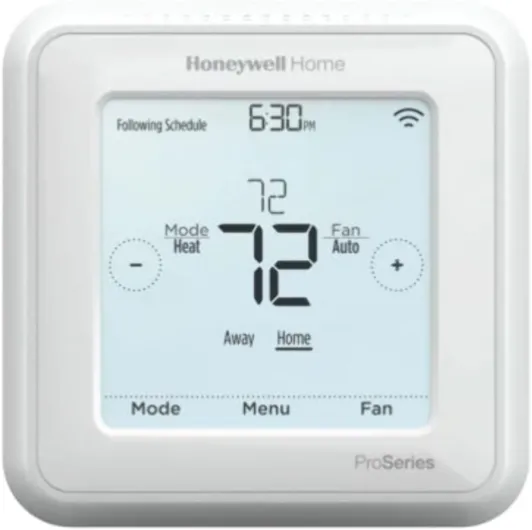
In terms of build, the T6 Pro Z‑Wave feels middle‑of‑the‑road. The housing is ABS plastic, nothing fancy, but it doesn’t flex or creak badly when you press on it. The mounting base feels sturdy enough when it’s screwed into a proper wall anchor or stud. Once the main unit snaps on, it sits securely; I don’t feel like it’s going to fall off if someone bumps it. The buttons and touchscreen still feel the same after repeated use, no obvious wear yet.
Looking at user reviews, most people seem to have good long‑term reliability, especially those using it with hubs like SmartThings, Hubitat, or alarm systems. One reviewer even mentioned replacing a more expensive brand that was throwing memory errors, and said this Honeywell has been more stable. That lines up with my experience so far: no random resets, no lost settings, no Z‑Wave weirdness once it’s included properly. It behaves like a mature product that’s been around since 2018, not some beta hardware.
That said, it’s not perfect. There are a few reviews about units arriving damaged or cracked in the box, which is more about shipping and packaging than the product itself, but it’s still annoying. Also, because this is a wall‑mounted plastic device, if you’re constantly popping it off the base to mess with wiring or moving it around, you will eventually stress the clips. It’s not meant to be handled like a handheld gadget.
Overall, I’d rate durability as good enough for normal home use. It feels like the kind of thermostat that will sit on the wall for years without drama, as long as it was installed correctly and not abused. If you’re putting it in a rough environment, like an RV that bounces around or a workshop where it might get knocked, I’d be a bit more careful with how it’s mounted and maybe add some protection. But for a standard hallway install, I don’t see anything that screams "fragile".
Performance: stable, predictable, and easy to automate
On the performance side, the T6 Pro Z‑Wave is solid and boring, which is what you want from a thermostat. It holds temperatures close to the setpoint, and the "learns your heating/cooling cycle" thing seems to work reasonably well. My furnace doesn’t short‑cycle, and I don’t see big overshoots. Once I set the system type and cycle rates properly in the installer menu, it behaved better than my old cheap programmable thermostat that tended to overshoot by a couple degrees.
Where it really earns its keep is Z‑Wave performance. Pairing to a hub like SmartThings or Hubitat is pretty straightforward: put the hub in inclusion mode, put the thermostat in inclusion, and it pops right in. Several users mention that Hubitat even has a specific driver for it, which is nice because you get all the right capabilities exposed. In my case, commands from the hub (changing setpoint, mode, fan, etc.) land on the thermostat in a couple of seconds at most. I haven’t had dropouts or weird status mismatches so far.
A couple of quirks to be aware of. First, once the thermostat is joined to a Z‑Wave controller, its built‑in scheduling gets disabled/ignored. That means you should do all your scheduling and automations from the hub. For someone like me, that’s fine and actually preferred, because I want one place to manage routines. But if your hub goes down or your Z‑Wave network is a mess, you can’t fall back on the internal schedule; you’ll be doing manual setpoint changes on the wall.
Second, the thermostat is not about eye candy. There’s no weather display, no fancy reports. If you want to see stats or graphs, you rely on your hub and whatever app or dashboard you’re using. I’m okay with that trade‑off because it removes a lot of cloud dependency. Overall, performance is reliable, predictable, and fits well into a Z‑Wave setup. It’s not exciting, but it’s exactly the behavior you want for something that controls heating and cooling.
What this thermostat actually is (and what it isn’t)
The Honeywell TH6320ZW2003 is basically a Z‑Wave smart thermostat with a built‑in touchscreen and basic scheduling, designed to tie into a home automation hub. It runs on 24V HVAC systems and uses 3 AA batteries for backup or, in some edge cases like RV installs, for primary power. It’s Energy Star rated, wall‑mounted, and talks over Z‑Wave instead of Wi‑Fi. Officially it lists compatibility with controllers like SmartThings and Vera, but people have it working fine with Hubitat and some alarm panels too.
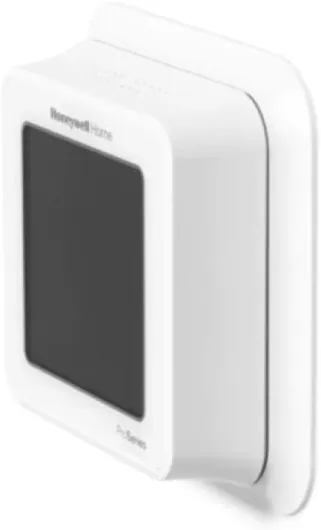
Out of the box you get the thermostat, the wall plate, and the paperwork. No extras, no fancy sensors, no separate remote temperature puck. The unit is about 6 x 7 x 2 inches, so it’s not tiny, but it’s not a huge slab either. There’s also a bigger back plate you can use to cover wall scars from an older thermostat, but you can skip that if your old one was similar size and you want a cleaner look. The display is backlit and touch‑enabled, and you control most things using on‑screen buttons plus a few physical buttons.
Feature‑wise, it’s programmable, supports automatic heating/cooling changeover, and it can learn your heating/cooling cycle to avoid big temperature swings. The Z‑Wave integration lets your hub read temperature, humidity, setpoints, battery level, and control modes. One important detail: if you pair it to a Z‑Wave controller, the internal scheduling is basically ignored and you should handle schedules through your hub automations. That’s by design, but it can surprise you if you were planning to use both.
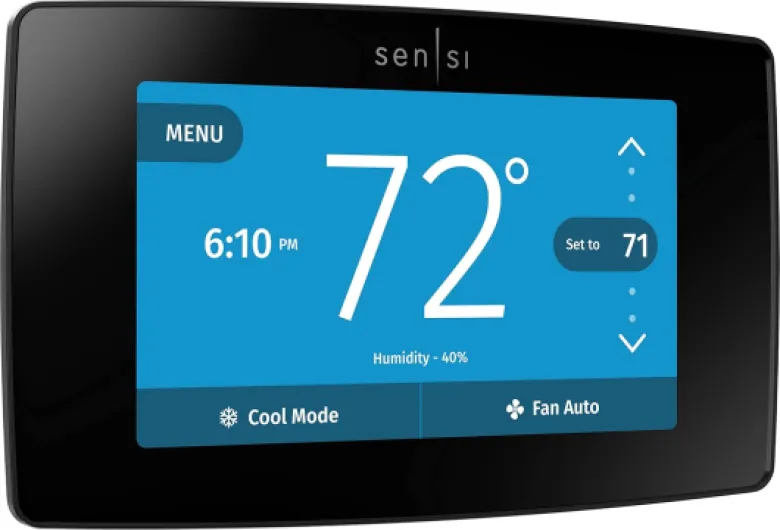
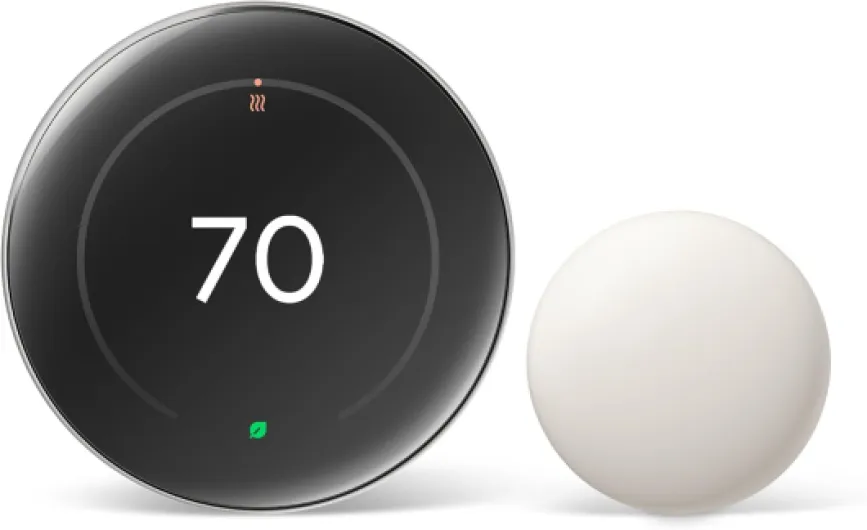
In practice, I’d describe it as a practical, hub‑friendly thermostat. It’s not trying to be a smart display or show weather or energy graphs on the wall. It’s there to control your HVAC and give your home automation system full access. If you already rely on Z‑Wave scenes and rules, that’s exactly what you want. If you’re coming from a Nest or Ecobee and expect slick UX and cloud‑based tricks, this is going to feel a bit barebones.
Pros
- Strong Z-Wave integration with hubs like SmartThings, Hubitat, Vera, and some alarm panels
- Flexible HVAC support (gas, A/C, heat pump, even RV setups with some effort)
- Stable temperature control and good long-term reliability once configured correctly
Cons
- Installer setup is confusing for non-technical users and requires careful reading of the manual
- Built-in scheduling is disabled when paired to a Z-Wave controller, so you rely fully on your hub
- Plain design and dated interface compared to modern Wi-Fi smart thermostats
Conclusion
Editor's rating
The Honeywell T6 Pro Z‑Wave (TH6320ZW2003) is a practical, hub‑friendly thermostat that focuses on doing the basics right and integrating cleanly with Z‑Wave systems. It holds temperature well, supports a wide range of HVAC setups, and once you get through the slightly nerdy installer menu, it’s stable and predictable. The design is plain, the UI is dated, but the wiring base is well thought out and pairing to hubs like SmartThings, Hubitat, or alarm panels is straightforward.
This thermostat makes the most sense if you already live in the Z‑Wave ecosystem and want direct control without yet another cloud account and app. In that case, it’s a solid mid‑priced choice that gives you good control and automation options. If you’re expecting Nest‑style looks, fancy analytics, or an ultra‑easy wizard‑driven setup, you’ll probably be underwhelmed and might want to look at Wi‑Fi alternatives instead. Also, if you don’t like reading manuals or dealing with wiring, either budget for professional installation or pick something simpler.
Overall, I’d rate it a 4/5. It’s not flashy and it’s not perfect, but it gets the job done reliably and fits very well into a smart home built around a Z‑Wave hub. Power users and tinkerers will appreciate the depth and flexibility; casual users who just want "set temperature and forget" might be happier with a more consumer‑oriented Wi‑Fi model.