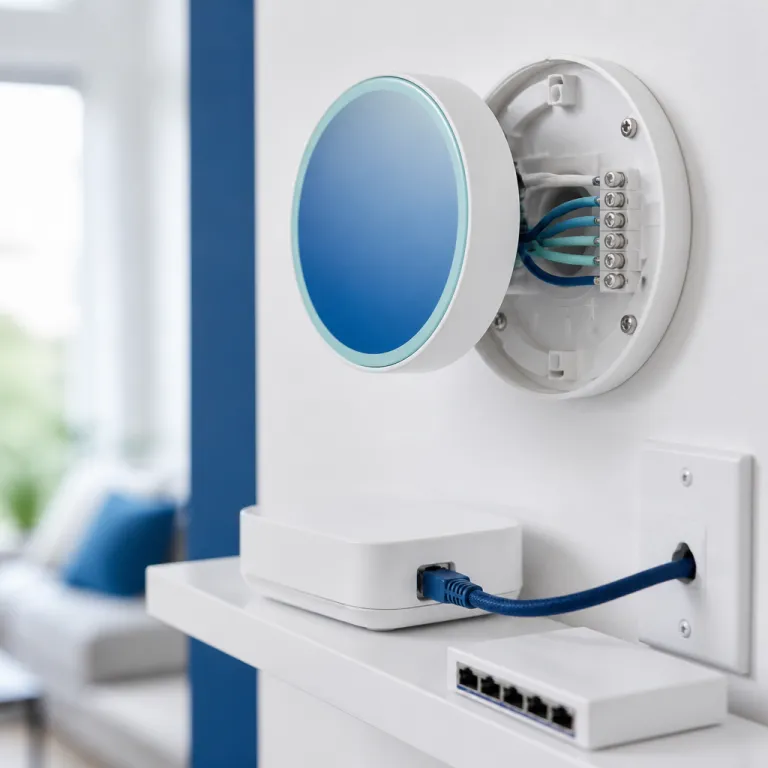
What “local only” really means for a Matter thermostat
A Matter thermostat that runs local only keeps core control inside your home. Your commands, schedules, and temperature changes stay on your Wi‑Fi or Thread network instead of being routed through a vendor cloud every time you tap the app. For a privacy‑focused smart home enthusiast, this is the essence of a local‑only Matter thermostat setup with no mandatory cloud, where the internet becomes optional rather than required for daily heating control.
In practice, a local smart thermostat still talks to other devices, but it does so through Matter and Thread or local Wi‑Fi rather than remote servers that log every heating and cooling event. Your phone, a room thermostat on the wall, and a Thread border router such as a HomePod, Apple TV 4K (2nd gen or later), or compatible Aqara hub exchange encrypted messages directly, so the heating thermostat can react in milliseconds even if your internet line is down. This architecture matters more than any glossy app screenshot, because it defines who can see your data and who can flip your heating systems on or off.
Local only does not mean offline forever, because some products still need occasional internet access for firmware updates or optional services. A thermostat smart enough to support Matter over Thread may briefly reach out to a vendor server to download a security patch, then go back to operating as a local thermostat Thread node for daily temperature control. The key question for any smart thermostat buyer is simple yet crucial: does the product keep working as a full thermostat when the cloud disappears, or does it turn into an expensive manual dial.
Eve Thermo and the HomeKit path to a cloud free setup
Eve Thermo is currently the cleanest example of a smart radiator thermostat that embraces a local‑first Matter thermostat without cloud dependency for everyday use. The latest Eve Thermo (Matter‑enabled, model 20EBP9901 according to Eve’s product sheet) uses Matter over Thread, pairs directly with Apple Home, and does not require any Eve account to run schedules or adjust temperature in each room. In Eve firmware 3.0 and later, Eve’s documentation states that schedules are stored on the device and on the Home hub, so heating continues even if Eve’s optional cloud services are unreachable.
Once installed on each radiator, an Eve Thermo unit behaves like a compact room thermostat that speaks both Thread and Matter, so the Apple Home app can control heating without ever touching a remote server. You can group several thermostats into zones, automate heating and cooling based on presence, and share access with family members through Apple’s built‑in home sharing instead of a separate Eve login. In testing with a HomePod mini running as a Thread border router, Eve Thermo continued to follow schedules and manual overrides during a 24‑hour internet outage, with only remote access and Siri outside the home going offline.
This HomeKit‑first approach does have limits, because it assumes you are comfortable living inside Apple’s ecosystem rather than mixing Amazon Alexa or Google Nest speakers as primary controllers. If you want to compare how this ecosystem‑centric choice stacks up against other smart thermostat systems, a detailed guide to picking a smart thermostat by ecosystem can help you weigh HomeKit against Google Home or Alexa before you commit. For many privacy‑minded owners though, the trade is worth it: the thermostat stays local, the data stays on your devices, and the only cloud involved is the one outside your window.
Aqara, Thread hubs, and hybrid local control
Aqara takes a slightly different route to the same goal of a Matter thermostat that works locally without relying on the cloud for core functions, using a hub Aqara device as the local brain. The Aqara W200 thermostat Aqara model (often listed as STH01‑W200 in Aqara’s spec sheets) supports Matter and can operate locally once it is paired with a compatible Aqara hub that bridges Zigbee or Thread devices into your home network. According to Aqara’s product notes for firmware 1.0.4 and later, the W200 continues to run schedules and manual set points even if the account is signed out, though cloud access is still required for remote notifications and some advanced scenes.
In a typical setup, you might combine an Aqara W200 with smart radiator thermostats from the same brand, plus underfloor heating actuators, all bound to one hub Aqara unit that exposes them as Matter products to your preferred controller. That controller could be Apple Home, Google Nest via Google Home, or a Home Assistant server that treats every thermostat as a local device with no dependency on vendor clouds. This hybrid design lets you mix radiator thermostat units, a central room thermostat, and even Meross smart plugs for electric heaters into one coherent system, while keeping day‑to‑day temperature control on your LAN.
Where Aqara differs from Eve is in its flexibility: you can integrate the same thermostat into Amazon Alexa routines, Google Nest automations, or HomeKit scenes, while still keeping day‑to‑day control local. To fine‑tune energy‑efficient operation, you can also use tools such as a heat pump balance point guide to set the temperature where your system should switch from heat pump to backup heat. That kind of optimisation, combined with per‑room radiator control and accurate room thermostat placement, matters more to your bill than any marketing claim about a learning thermostat that quietly uploads your data to a distant server.
What you give up when you skip the cloud
Running a Matter thermostat in a local‑only, no‑cloud configuration is not free of trade‑offs, even if the privacy benefits are obvious. Many of the headline features that made the original Nest Learning Thermostat (3rd gen) famous, such as automatic schedule building and remote analytics, rely on cloud processing. When you choose a fully local thermostat generation of devices, you are effectively saying no to that category of remote optimisation and to vendor‑managed demand response programs.
Cloud‑linked thermostats from brands such as Nest, Tado, Bosch, Lennox Smart, and Google Nest often bundle demand response programs, energy reports, and predictive heating and cooling algorithms that crunch large datasets on vendor servers. A local only smart thermostat or Wi‑Fi thermostat can still be energy efficient, but it usually depends on your own discipline in setting schedules and adjusting temperature set points. A simple checklist helps: set a base schedule for weekdays and weekends, define setback temperatures for nights and absences, and review your gas or electricity usage monthly to tweak those values.
There is also the question of firmware: some products will only receive new features or bug fixes if they can periodically contact a vendor server, even when daily control remains local. Before you commit to any thermostat smart ecosystem, read the product info carefully to see whether offline operation is guaranteed for the long term and whether firmware updates can be triggered manually from a local app. In the end, the most reliable thermostat is the one that still runs your heating when the app is broken, the vendor has moved on, and the only thing that matters is whether the boiler fires on a freezing night.
Home Assistant, mixed brands, and real world compatibility checks
For power users, Home Assistant turns a Matter thermostat with local‑only control and no required cloud link into a practical multi‑brand system. You can pair Eve Thermo radiator thermostats, an Aqara W200 thermostat Aqara unit, and even older Wi‑Fi thermostat models from Bosch or Tado into one dashboard, then keep all automations on your own hardware. In a typical configuration, Home Assistant runs on a Raspberry Pi or mini PC, with a Thread border router and Zigbee or Z‑Wave dongles handling radio protocols while the server stores automations locally.
Compatibility is where many smart thermostat projects stumble, especially in homes with underfloor heating manifolds, mixed radiator circuits, and legacy boilers. Before buying any products, map your existing systems: note whether you have a simple on off boiler, a modulating unit, or a heat pump that needs careful balance point tuning. Then check each thermostat’s wiring requirements, supported protocols such as Thread or Wi‑Fi, and whether it can act as a room thermostat, a radiator thermostat, or a central heating thermostat for the whole house.
If you prefer a simpler path and mainly run central heating and cooling, curated comparisons of top smart thermostats for central systems can narrow your shortlist quickly. Look for clear statements about Matter support, local control, and whether the thermostat Thread implementation works without a permanent cloud link. The best smart thermostat for a privacy‑conscious home is rarely the flashiest one on Amazon; it is the one that keeps your data inside your walls and your gas bill under control.
FAQ
Can I run a Matter thermostat without any internet connection at all ?
Many Matter thermostats can keep basic heating control running without internet, as long as your local Wi‑Fi or Thread network and controller stay powered. You may lose remote access, voice control through cloud assistants, and firmware updates, but schedules and manual temperature changes usually continue to work. Always confirm in the product info whether offline operation is officially supported before you buy, and test by disconnecting your router for an hour to see what still functions.
Do I need a Thread border router for a local only setup ?
If your thermostat uses Matter over Thread, you do need a Thread border router such as a HomePod, certain Wi‑Fi routers, or a compatible hub Aqara device. The border router lets Thread devices talk to your phone and other controllers on Wi‑Fi while keeping traffic inside your home. Without it, Thread‑based thermostats cannot join your smart home network reliably or expose their services to apps like Apple Home or Home Assistant.
Are cloud based thermostats always less private than local ones ?
Cloud‑based thermostats typically send usage data, temperature history, and sometimes occupancy patterns to vendor servers, which raises privacy questions. Local only Matter thermostats minimise this by keeping control messages and schedules on your own network, though they may still contact servers for updates. The most private option is a thermostat that documents exactly what data leaves your home and lets you disable non essential cloud features.
Will a local only thermostat work with Amazon Alexa or Google Assistant ?
Some local‑first thermostats can still integrate with Amazon Alexa or Google Assistant, but voice commands may travel through the cloud even if core control stays local. If you want strict local behaviour, consider using local voice options where available or controlling the thermostat through a Home Assistant dashboard. Always check whether the vendor promises continued operation if their cloud services are unavailable and whether basic on off and set point changes still work when the internet is down.
How do I choose between Eve, Aqara, and other brands for a local setup ?
Eve is ideal for Apple Home users who want a clean, account‑free Matter over Thread experience with radiator thermostats. Aqara suits mixed ecosystems, because its hubs can bridge various products into Matter while still allowing mostly local control. Other brands may offer partial Matter support, so compare their documentation carefully to see whether they truly support a Matter thermostat configuration that works locally without cloud and whether offline behaviour is guaranteed in their release notes.