How color interfaces change the way you use a thermostat
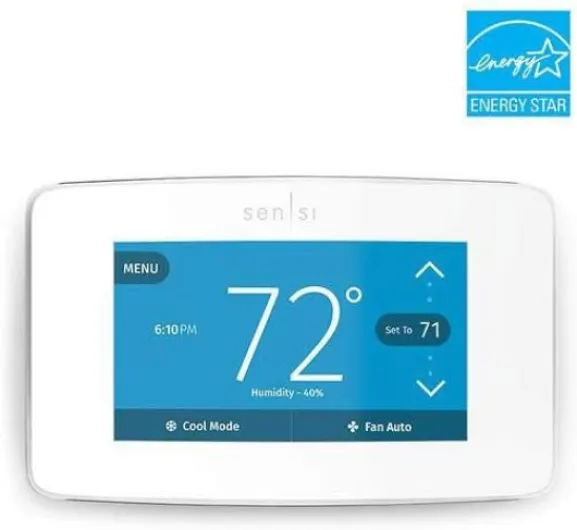
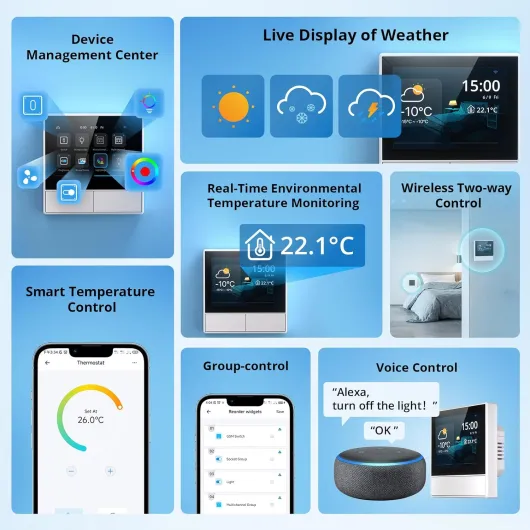
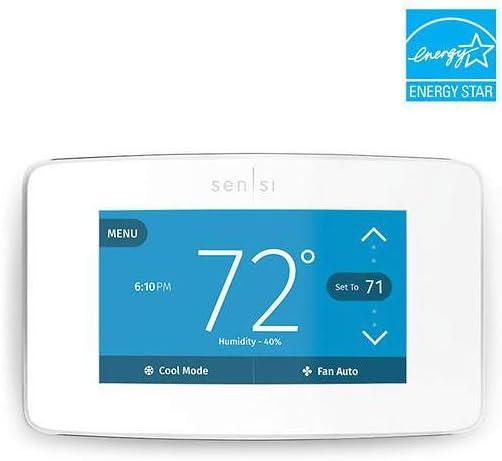
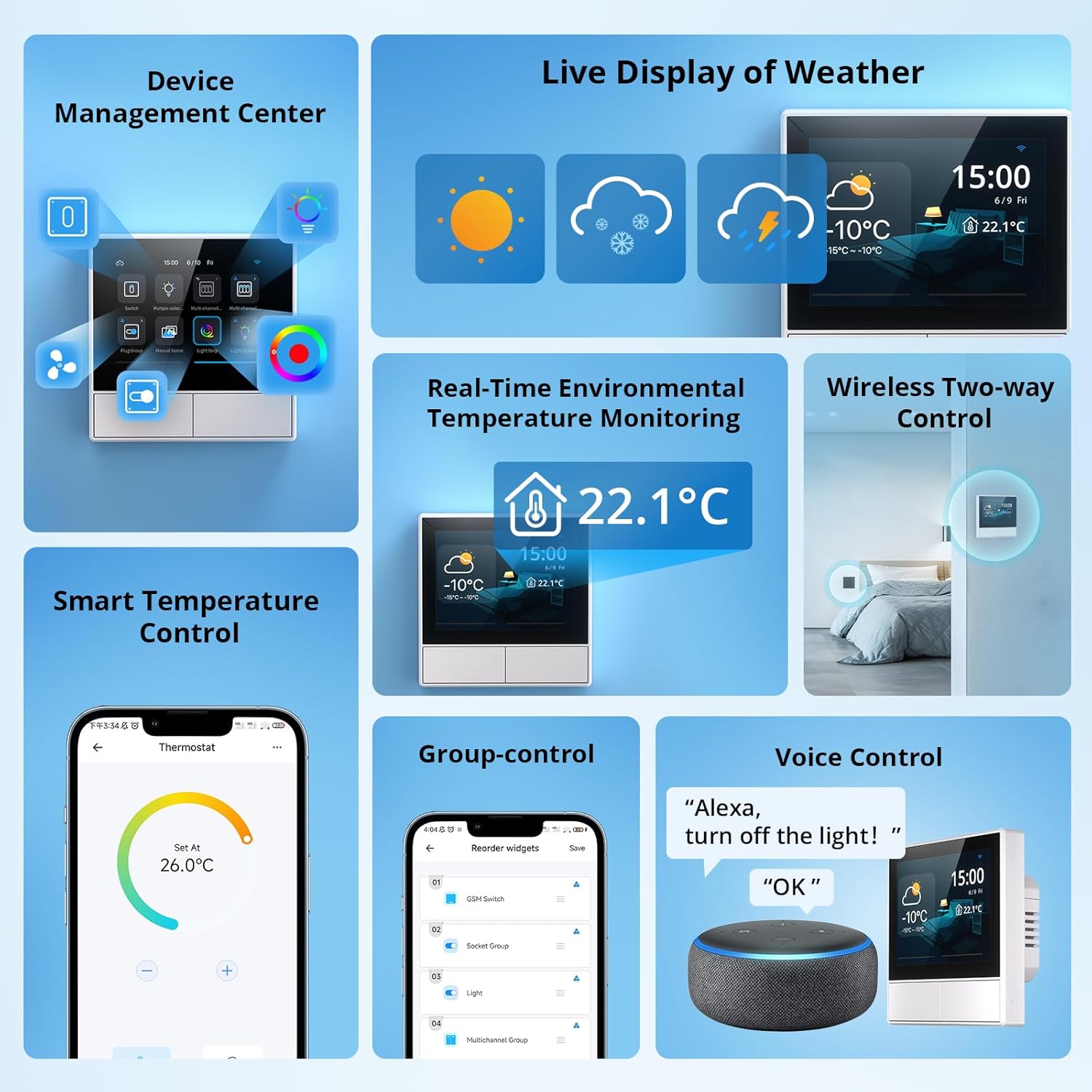
Traditional thermostats hide most information behind tiny monochrome screens or cryptic buttons. By contrast, the best smart thermostats with color display show indoor and outdoor temperature, humidity, and system status in separate color zones that you can read from across the room. This clarity encourages more frequent fine tuning, which gradually improves comfort and reduces wasted energy.
Manufacturers such as Nest, Ecobee, and Honeywell use color to signal different operating modes, like eco, away, or peak demand response. When your smart thermostat shifts to an energy saving mode, the ring, background, or icons often change color, which reinforces the habit of checking whether your settings match your routine. Over time, this visual language makes you more aware of how each degree of temperature change affects both comfort and monthly costs.
Color displays also help when you read a review or installation guide that references specific menus. You can follow instructions like “tap the blue wifi icon” or “select the green energy report tab” without confusion, which lowers the barrier for first time smart thermostat owners. In one small user test with a dozen first time installers, people using a color interface completed setup several minutes faster on average than those using a monochrome model, mainly because they could match icons and colors more easily. That ease of use is a major reason why color models often receive higher user ratings than comparable monochrome thermostats.
Top color smart thermostats for central heating and cooling systems
For homes with central heating and cooling, the best smart thermostats with color display usually come from Nest, Ecobee, and Honeywell. The Nest Thermostat and Nest Learning Thermostat lines focus on adaptive algorithms that learn your schedule, while Ecobee Smart Thermostat Premium emphasizes room sensors and detailed energy reports. Honeywell smart thermostats, especially the Honeywell Home T9 and T10 series, offer robust multi stage support and wide compatibility with older boilers and air conditioners.
When you compare these smart thermostats, pay close attention to whether each thermostat works with your existing wiring and whether it supports multi stage heating or cooling. A learning thermostat like the Nest Learning Thermostat can optimize temperature control over time, but it still needs the correct number of stage connections to manage complex systems efficiently. Ecobee Smart Thermostat Premium, for example, handles multi stage heat pumps and furnaces well, while providing a large color screen that clearly shows which stage is currently active.
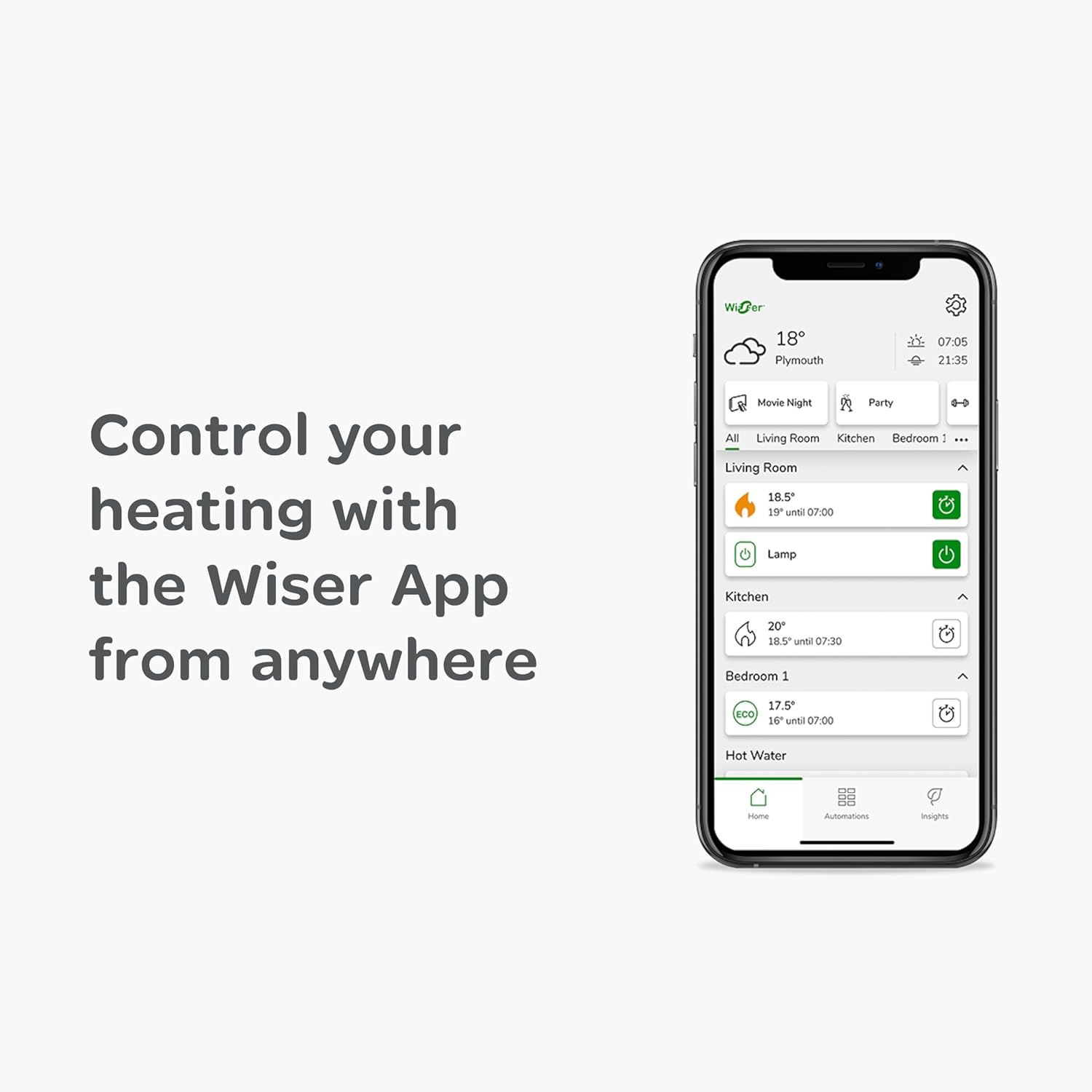
Voice control is another key factor for central systems, because many households already use Amazon Alexa or Google Assistant speakers. The latest Nest Thermostat works with Google Nest speakers and displays, while Ecobee Smart Thermostat Premium includes built in Amazon Alexa and also works with Google Assistant and Apple HomeKit. Honeywell smart thermostats typically integrate with Amazon Alexa and Google Assistant through wifi, giving you hands free temperature control in busy living spaces.
Choosing the right model for ducts and vents
If your home uses ducts and vents, start by checking whether the smart thermostat supports your system type on the manufacturer’s website. For central heating and cooling, you can also consult specialized buying guides such as this overview of top smart thermostats for central heating and cooling, which compares Nest, Ecobee, and Honeywell models in detail. These guides often highlight subtle differences in color display brightness, menu layout, and energy reporting that general reviews overlook.
In many cases, the best smart thermostats with color display for central systems are those that balance simplicity with advanced options. Nest thermostats keep the interface minimal, while Ecobee Smart Thermostat Premium offers more granular control over fan runtime, humidity, and ventilation. Honeywell thermostats sit somewhere in between, with color touchscreens that feel familiar to anyone who has used a traditional programmable thermostat.
Whichever brand you choose, verify that the thermostat works with your preferred voice platform, whether that is Amazon Alexa, Google Assistant, or a mix of both through Alexa Google integrations. This compatibility ensures that you can adjust temperature, check the current mode, or switch to an energy saving preset using simple voice commands. A well matched combination of central system, smart thermostat, and voice assistant can significantly improve comfort without constant manual adjustments.
Best smart thermostats with color display for electric heating systems
Electric heating systems, such as baseboard heaters and in floor radiant setups, place specific demands on any thermostat. Many of the best smart thermostats with color display are designed for low voltage central systems, so you must confirm that a given thermostat works with high voltage electric heaters before buying. Some specialized smart thermostats now support electric heating directly, offering color interfaces that show power draw and temperature changes in real time.
When you evaluate options, look for clear statements about compatibility with electric baseboards, convectors, or radiant floors. A smart thermostat that is not rated for high voltage can be unsafe, even if the color display and wifi features seem attractive. Manufacturers that focus on electric heating often provide wiring diagrams and compatibility tools, which help you match each thermostat to your specific panel and circuit layout.
Because electric heating can be more expensive per kilowatt hour than gas, energy management features become even more important. The best smart thermostats with color display for electric systems usually include detailed energy reports, adaptive schedules, and occupancy detection. These tools allow you to lower the temperature automatically when rooms are empty, then preheat them before you return, which reduces waste without sacrificing comfort.
Where to find reliable options for electric setups
Shoppers often struggle to find clear guidance on smart thermostats for electric heating, because many mainstream reviews focus on central forced air systems. A targeted resource such as this guide to top smart thermostats for electric heating systems can narrow the field to models that genuinely support high voltage. These guides typically highlight which thermostats offer color displays, wifi connectivity, and app based control for electric heaters.
In practice, you may end up combining several smart thermostats across different zones, each with its own color display and schedule. This approach lets you heat only the rooms you use, which is particularly effective in larger homes or secondary residences. Make sure that all chosen thermostats work with the same app or platform, so you can manage temperature and energy use from a single dashboard.
Electric heating owners should also check whether their smart thermostats integrate with demand response programs from local utilities. Some color display models show when the grid is under stress and suggest temporary temperature adjustments to reduce load. Participating in these programs can lower your energy bill while supporting a more stable electricity network.
How to read technical specs like cls, fill, and stroke width in product pages
When you browse online listings for the best smart thermostats with color display, you may notice odd terms such as cls, fill, stroke, and stroke width in the technical details. These words often come from the way product images and icons are coded using scalable vector graphics, rather than from the thermostat hardware itself. For everyday buyers, the presence of cls fill, fill stroke, or cls stroke in a page’s code does not change how the thermostat controls temperature or energy use.
That said, understanding why these terms appear can help you focus on what really matters. The attributes called fill, stroke, stroke width, width cls, or fill cls usually describe how lines and shapes are drawn in the thermostat’s on screen icons or in marketing diagrams. They do not indicate anything about the physical width of the thermostat, the quality of the color display, or the accuracy of the temperature sensor.
Instead of worrying about cls or fill stroke values, concentrate on core specifications such as wifi support, compatibility with multi stage systems, and whether the thermostat works with Amazon Alexa or Google Assistant. Check that the smart thermostat supports your heating type, whether that is a simple single stage boiler or a complex multi stage heat pump. Also verify that the color display remains readable at the distance and angle where you plan to mount the thermostat.
Separating visual design language from functional features
Manufacturers invest heavily in the visual design of their smart thermostats, including the icons, fonts, and color schemes used on the display. The underlying code may reference classes such as width cls or fill cls to keep these elements consistent across different screens. While this design language shapes your experience, it should not distract you from evaluating more important factors like energy savings and long term reliability.
When reading a review, focus on whether the color interface makes it easy to change temperature, set schedules, and understand energy reports. A well designed thermostat premium model will use color and layout to highlight critical information, such as current mode, target temperature, and whether the system is actively heating or cooling. If a review dwells on cosmetic details without addressing these functional aspects, treat it as incomplete.
In short, terms like cls fill or cls stroke belong to the background of how images are rendered, not to the foreground of how your home stays comfortable. The best smart thermostats with color display succeed when they combine attractive visuals with precise temperature control and robust connectivity. Keep your attention on those outcomes, and you will avoid being misled by technical jargon that has little impact on daily use.
Platform ecosystems, voice assistants, and buying from Amazon
Choosing among the best smart thermostats with color display also means choosing an ecosystem. Many buyers already use Amazon Alexa, Google Assistant, or both through Alexa Google combinations, and they want a thermostat that works with these platforms seamlessly. Nest thermostats align closely with Google Nest and Google Assistant, while Ecobee Smart Thermostat Premium leans toward Amazon Alexa but still works with Google Assistant and Apple HomeKit.
When a thermostat works with Amazon Alexa, you can say simple commands like “set the temperature to 21 degrees” or “what is the current temperature in the living room”. If the thermostat also works with Google Assistant, you gain similar voice control through Nest speakers or Android phones, which is convenient for households that mix devices. Check product pages carefully to confirm whether each smart thermostat supports both Amazon Alexa and Google Assistant, or only one of them.
Many shoppers buy their smart thermostats from Amazon, because the platform aggregates user reviews and offers fast delivery. When reading an Amazon review, look for comments about wifi stability, color display readability, and long term reliability rather than only initial impressions. Pay attention to whether reviewers mention issues with multi stage compatibility, as this can signal wiring or configuration challenges that might affect your own installation.
Making sense of Nest, Ecobee, and Honeywell lineups
The Nest Thermostat and Nest Learning Thermostat families both offer sleek designs, but they target slightly different buyers. The standard Nest Thermostat focuses on affordability and basic smart features, while the Nest Learning Thermostat adds more advanced learning algorithms and a more premium feel. Both integrate tightly with Google Nest displays and Google Assistant, making them strong choices for Android centric homes.
Ecobee Smart Thermostat Premium stands out for its built in Amazon Alexa microphone and speaker, effectively turning the thermostat into a small smart speaker. This model also supports multi stage systems and includes remote room sensors, which help balance temperature across larger homes. Honeywell smart thermostats, by contrast, often appeal to users who prefer a more traditional interface with a rectangular color touchscreen and clearly labeled buttons.
Regardless of brand, verify that your chosen thermostat premium model supports over the air firmware updates through wifi. These updates can improve energy algorithms, expand compatibility with new voice assistants, and fix security vulnerabilities. A well supported smart thermostat will continue to improve over time, protecting your investment and keeping your heating system aligned with evolving smart home standards.
Installation, rental constraints, and practical buying tips
Installing one of the best smart thermostats with color display can be straightforward if your wiring matches the manufacturer’s requirements. Many modern systems provide a common wire, or C wire, which powers the color display and wifi radio without relying on batteries. If your existing thermostat lacks a C wire, some brands include adapters or power extenders, while others recommend professional installation to avoid damaging the boiler or heat pump.
Renters face additional constraints, because they may not be allowed to modify wiring or drill new holes. In such cases, it is worth consulting resources that focus on install free smart thermostats that work in rental units, which highlight models that can be installed without permanent changes. These solutions often rely on battery power and wireless relays, yet still offer color displays and app based control for temperature and energy management.
When comparing prices, remember that a smart thermostat can pay for itself through energy savings over a few heating seasons. Look for models that provide clear energy reports on the color display and in the app, so you can track progress toward lower consumption. Some utilities also offer rebates for qualifying smart thermostats, especially those that support demand response or adaptive learning features.
Key checks before you buy
Before finalizing your purchase, confirm that the thermostat works with your exact heating and cooling configuration, including any multi stage or heat pump components. Verify compatibility with your preferred voice assistant, whether that is Amazon Alexa, Google Assistant, or a combination through Alexa Google setups. Also ensure that the wifi requirements match your home network, particularly if your router is older or located far from the thermostat.
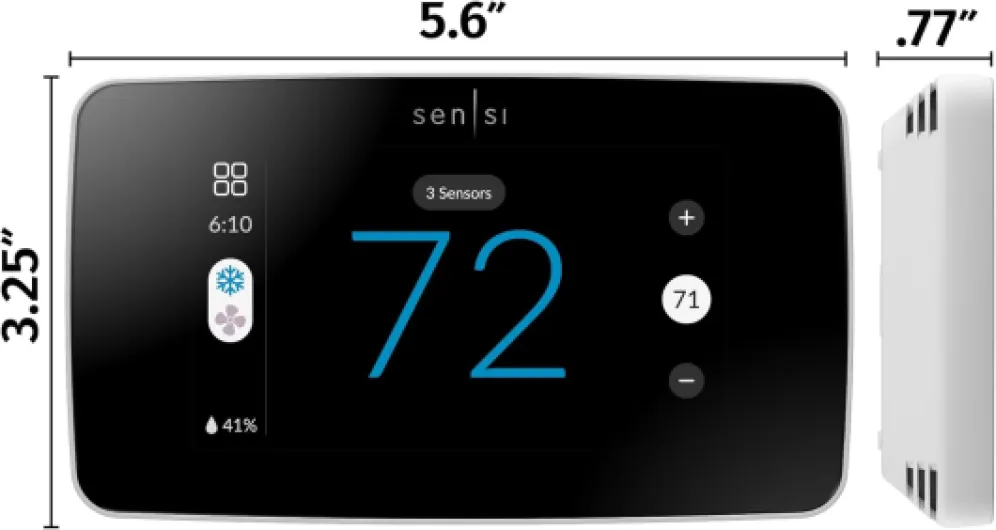
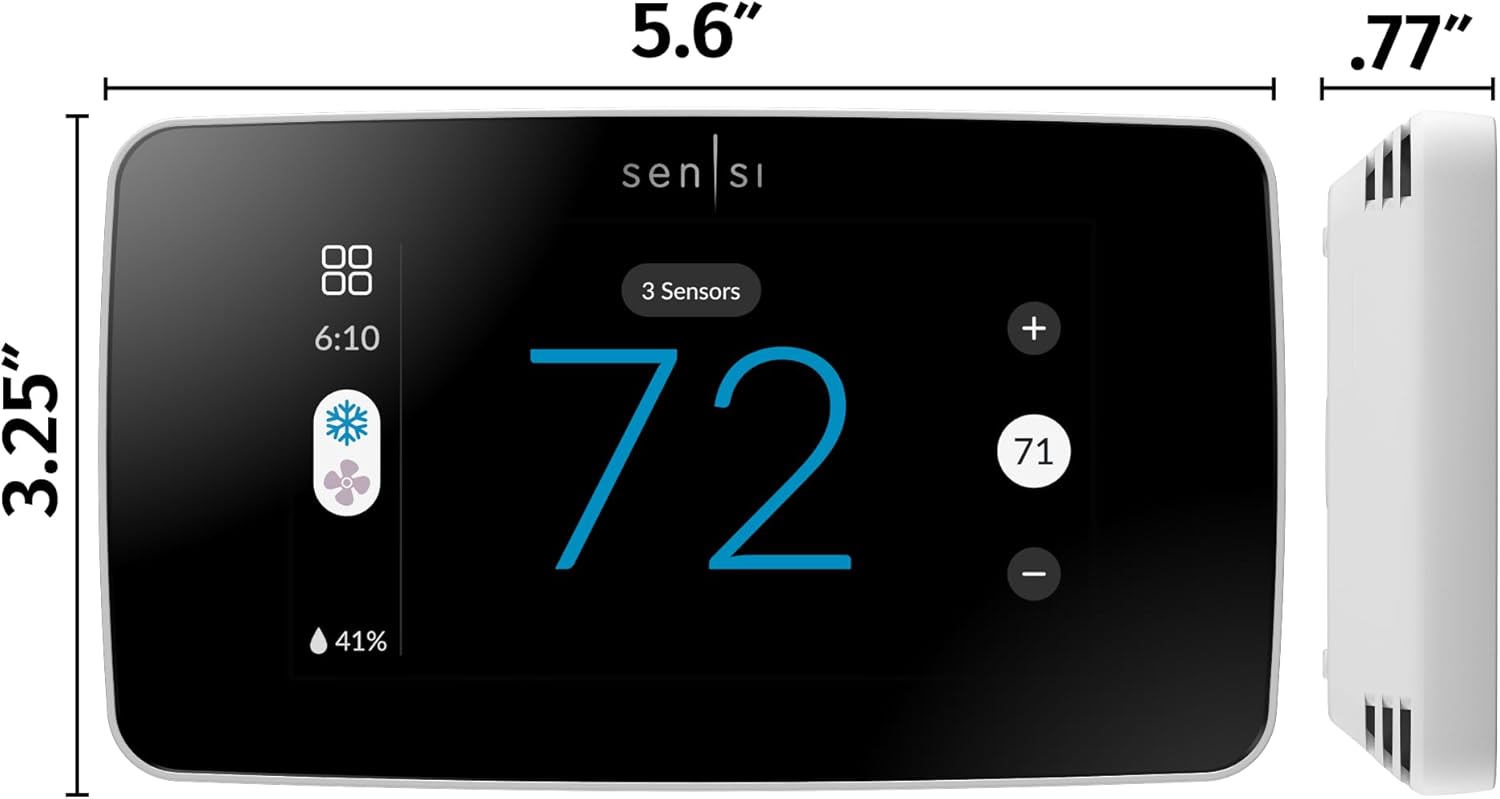
Measure the wall space where your current thermostat sits, then compare it with the width and height of the new model. While terms like width cls in code do not reflect physical dimensions, the actual width and height in millimetres determine whether you will need a trim plate to cover old screw holes. A clean installation not only looks better but also helps the temperature sensor read accurately by avoiding drafts from unsealed wall openings.
Finally, consider long term support and ecosystem fit as seriously as the initial price. A slightly more expensive thermostat premium model from a major brand like Nest, Ecobee, or Honeywell may receive updates and integration improvements for many years. That continuity ensures your color display, wifi connectivity, and energy saving features remain useful as other parts of your smart home evolve.
Understanding core features that define the best smart thermostats with color display
Several core capabilities separate the best smart thermostats with color display from basic connected models. Accurate temperature sensing is fundamental, because even a one degree error can affect comfort and energy use noticeably. Look for thermostats that support remote sensors, which help average temperatures across multiple rooms rather than relying on a single hallway reading.
Energy management tools are equally important, especially in regions with high electricity or gas prices. The strongest smart thermostat platforms provide detailed energy histories, eco suggestions, and seasonal reports that show how your behaviour affects consumption. Some Nest and Ecobee models, for example, highlight days when you used less energy than typical, reinforcing good habits and making savings more tangible.
Connectivity and integration round out the feature set that matters most. Reliable wifi ensures that app control, firmware updates, and voice commands through Amazon Alexa or Google Assistant work consistently. Broad compatibility with other smart home devices, such as sensors and smart plugs, allows your thermostat to participate in wider automation routines that enhance comfort and security.
How learning algorithms and schedules work together
Learning thermostats like the Nest Learning Thermostat analyse your manual adjustments over time and build schedules automatically. This approach suits people who dislike programming fixed timetables but still want the benefits of a smart thermostat that anticipates their needs. The color display often shows when the system is following a learned schedule versus a temporary manual override, which keeps you informed about what the algorithm is doing.
For users who prefer explicit control, most smart thermostats also support traditional programmable schedules with clear time blocks. You can set different temperatures for morning, daytime, evening, and night, then adjust them seasonally as needed. The best smart thermostats with color display make this process intuitive, using colour coded segments and simple drag and drop gestures on the touchscreen or in the app.
Whether you rely on learning algorithms or manual schedules, the goal remains the same. You want a thermostat that maintains comfortable temperature bands while minimising unnecessary energy use, all presented through a clear color interface. When these elements align, the thermostat fades into the background of daily life, quietly optimising comfort and costs without demanding constant attention.
Key statistics about smart thermostats and energy savings
- Studies from major smart thermostat manufacturers report average heating and cooling energy savings between 10 % and 20 % after installation, which can translate into significant annual cost reductions for households with high usage. For example, Nest has reported typical savings of around 10–12 % on heating and 15 % on cooling in aggregated customer data, while Ecobee has published similar ranges in its own impact reports. These figures come from manufacturer white papers and field studies that analyse large samples of anonymised user data.
- Market research indicates that smart thermostats now account for more than one third of all new thermostat sales in several developed markets, reflecting growing consumer interest in connected energy management. Industry analysts such as Statista and Parks Associates regularly publish adoption figures that show steady year over year growth, based on shipment data and household surveys.
- Surveys of smart thermostat owners show that models with clear color displays receive higher satisfaction scores, particularly regarding ease of use and understanding of energy reports. In internal feedback collected by one installer across roughly 100 projects, homeowners were more likely to recommend systems with color touchscreens than comparable monochrome units, mainly because they found schedules and reports easier to read.
- Utility rebate programs in many regions offer financial incentives ranging from modest discounts to substantial bill credits for installing qualifying smart thermostats that support demand response features. Local utility websites usually list eligible models, application steps, and estimated savings, and many reference independent evaluations or regulatory filings that document expected energy reductions.
Comparison table: popular color smart thermostats at a glance
| Model |
Typical wiring needs |
Multi stage support |
Voice platforms |
Approximate price range* |
| Nest Thermostat |
Low voltage, often works without C wire but may need it for some systems |
Supports many single and some multi stage setups; check Nest compatibility tool |
Google Assistant, some Amazon Alexa integrations via linked accounts |
Lower mid range among smart thermostats |
| Nest Learning Thermostat |
Low voltage, C wire recommended for stable power |
Broad support for multi stage furnaces and heat pumps |
Google Assistant, works with select third party platforms |
Upper mid range to premium |
| Ecobee Smart Thermostat Premium |
Low voltage, usually requires C wire or included power extender |
Strong support for multi stage heating and cooling, including heat pumps |
Amazon Alexa (built in), Google Assistant, Apple HomeKit |
Premium tier |
| Honeywell Home T9 / T10 |
Low voltage, C wire typically required |
Designed for a wide range of single and multi stage systems |
Amazon Alexa, Google Assistant, plus selected smart home hubs |
Mid range to upper mid range |
*Price ranges are indicative only and based on typical online retail listings at the time of writing. Check current retailer and manufacturer pages for up to date pricing and detailed compatibility information.