Flagship models compared: nest, ecobee, honeywell, and sensi touch
Among the best programmable smart thermostats, four product families dominate expert ratings and user reviews. Google’s Nest Thermostat and Nest Learning Thermostat focus on automation, while Ecobee Smart models emphasize sensors and room-by-room control. Honeywell Home and Emerson’s Sensi Touch lines target buyers who want reliable programmable thermostats with strong compatibility for older HVAC systems.
The Nest Learning Thermostat, first introduced in 2011 and now in its third generation, builds a schedule automatically using built-in motion sensors and geolocation from your phone. Over time, Nest learning algorithms refine temperature set points to reduce energy use while keeping comfort stable. This learning thermostat works with Alexa and also integrates with Google Assistant, which suits homes already invested in either ecosystem.
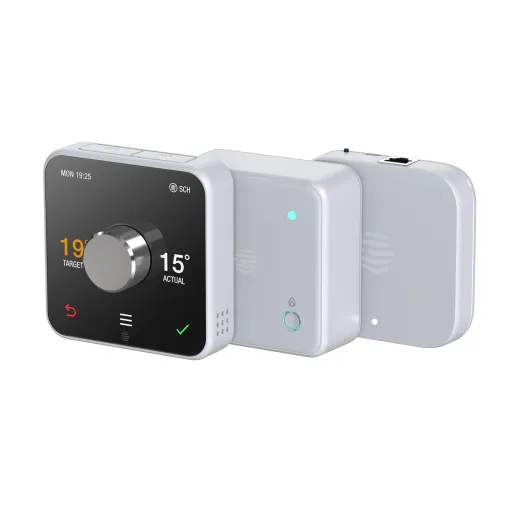
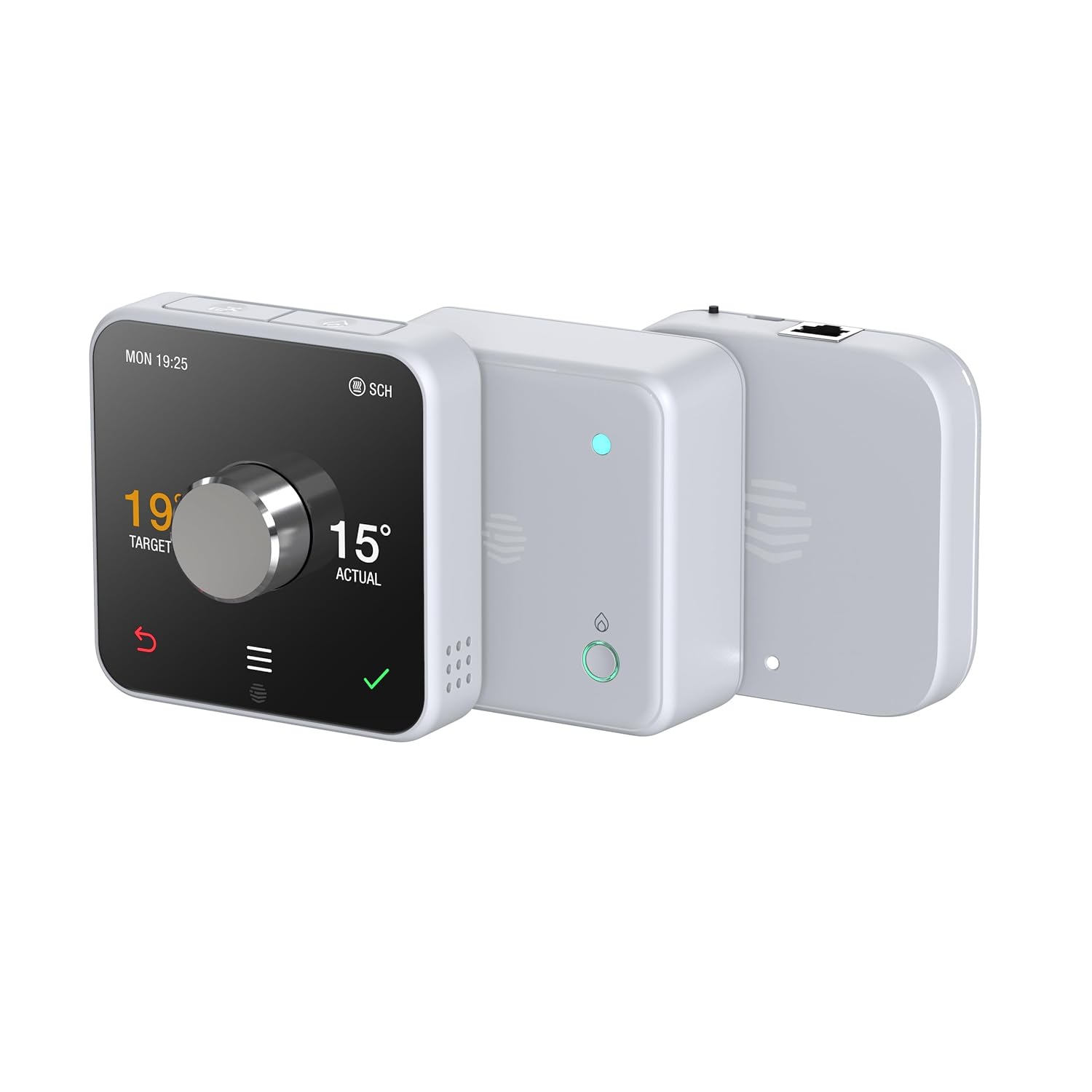
Ecobee smart thermostats such as the Ecobee Smart Thermostat with Voice Control, released in 2019, ship with a separate room sensor. That external sensor monitors temperature and occupancy in a bedroom or office, then adjusts heating and cooling to prioritize occupied spaces. If you have hot and cold spots, this sensor-based approach can outperform a single hallway smart thermostat.
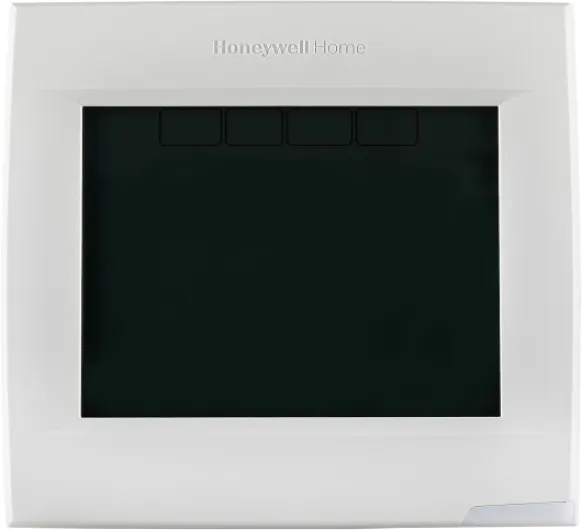
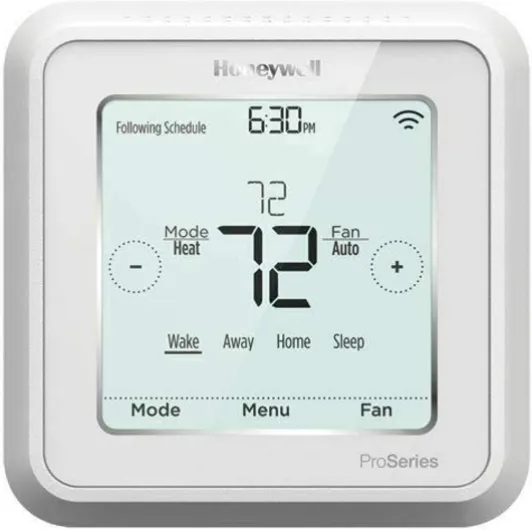
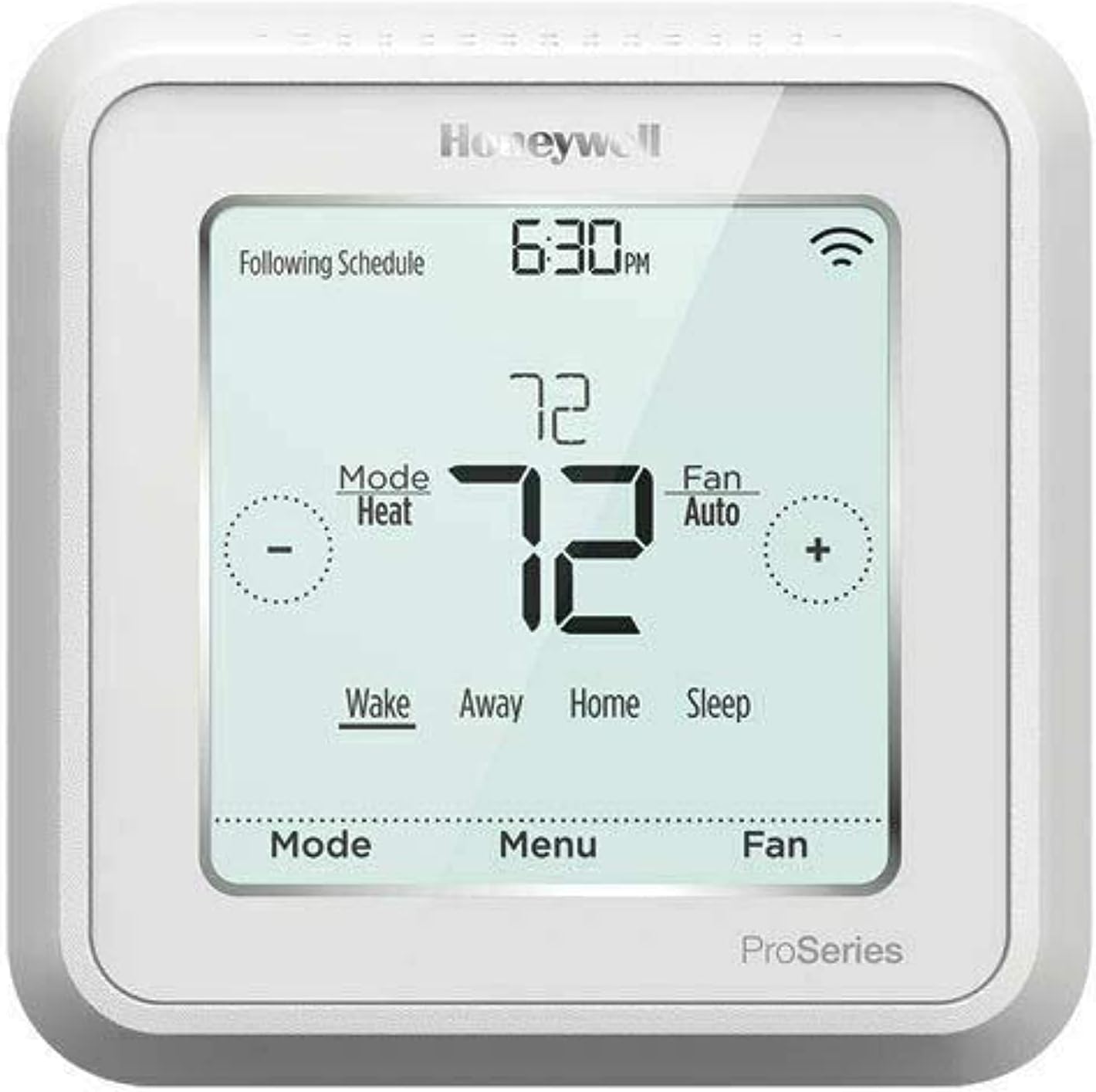
Honeywell programmable thermostats, including the Honeywell Home T9 (launched in 2019) and T10, combine robust scheduling with optional remote sensors. Their apps make it easy to set weekday and weekend programs, then layer geofencing rules on top. Many Honeywell thermostat models work with Amazon Alexa and Google Assistant, which helps if you prefer voice control over touch.
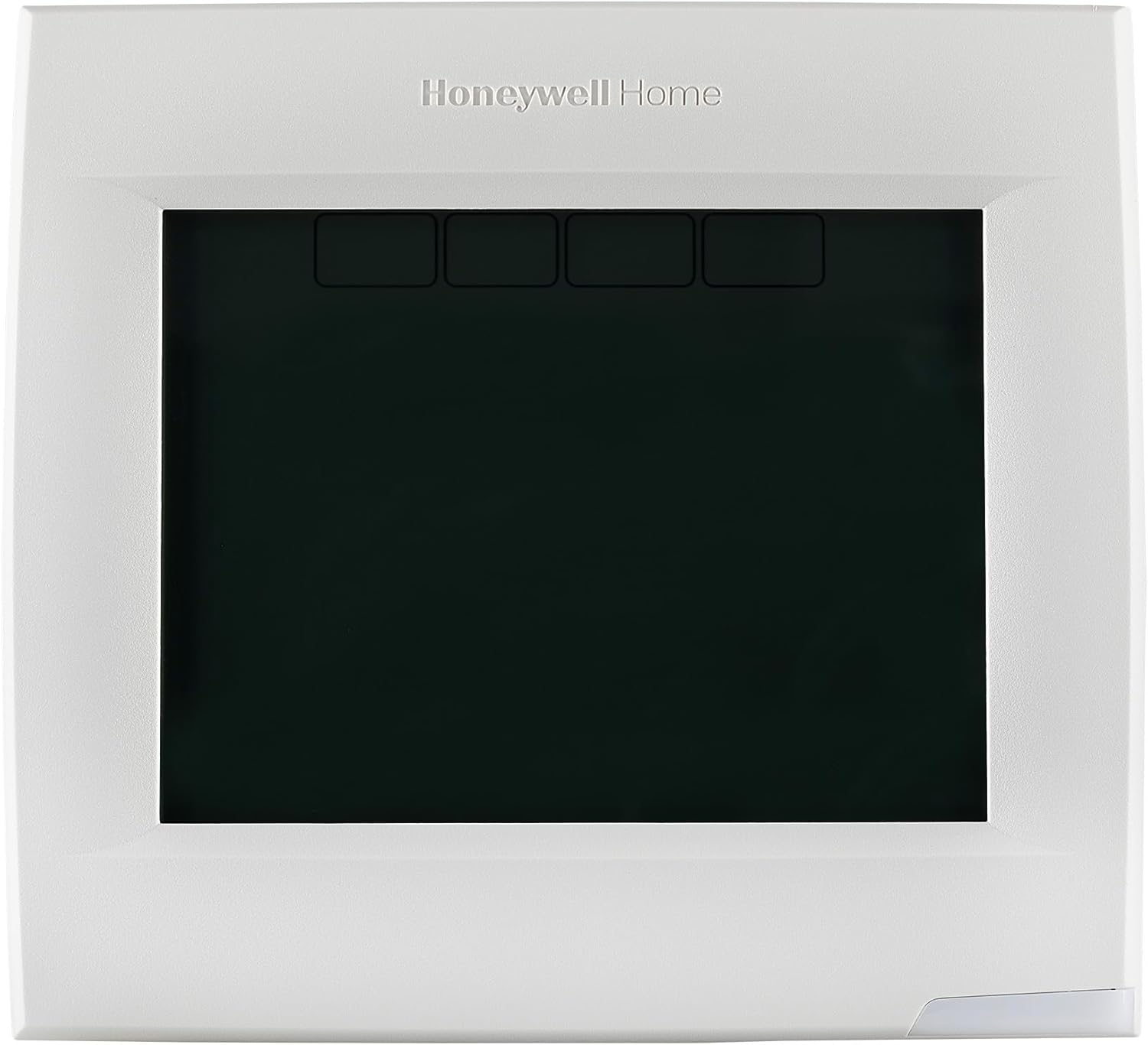
Sensi Touch thermostats from Emerson, with the current generation introduced in the late 2010s, focus on simple installation and broad compatibility with legacy HVAC systems. The Sensi Touch screen interface is clear, with good contrast and straightforward icons for quick reading. For buyers who want to purchase through Amazon and avoid rewiring, Sensi Touch thermostats often rank among the best smart options in that segment.
For a deeper comparison of Wi‑Fi programmable thermostats, including several of these models, see this detailed guide on top Wi‑Fi programmable thermostats. That resource breaks down which thermostat families excel in small apartments, larger houses, or light commercial spaces. Use it alongside retailer ratings to narrow your shortlist before you buy.
Quick comparison of flagship smart thermostats
| Model family |
Typical price range (USD) |
Key strengths |
Common user feedback |
| Nest Learning Thermostat |
$$$ (often around mid‑$200s) |
Powerful learning engine, polished design, tight Google integration |
Praised for “set‑and‑forget” automation; some users note a learning curve when overriding schedules |
| Ecobee Smart Thermostat |
$$$ (similar to Nest Learning) |
Room sensors, built‑in Alexa, strong multi‑room comfort control |
Users like even temperatures across floors; a few mention the wall unit feels larger than expected |
| Honeywell Home T9/T10 |
$$ (often mid‑$100s) |
Familiar scheduling, optional sensors, broad platform support |
Frequently described as reliable and “no‑nonsense,” though the app design feels basic to some owners |
| Emerson Sensi Touch |
$–$$ (roughly low‑ to mid‑$100s) |
Easy installation, excellent legacy HVAC compatibility |
Reviewers appreciate clear wiring guidance; a minority wish for more advanced automation features |
Ecosystems, voice assistants, and where alexa google really matters
Choosing the best programmable smart thermostats is easier when you start with your digital ecosystem. If you already use Amazon Alexa speakers in several rooms, a thermostat that works with Alexa natively will feel seamless. The same logic applies if you rely on Google Assistant through Nest Audio or other Google devices.
Amazon smart home users often gravitate toward Ecobee smart thermostats and the latest Nest Thermostat models. Ecobee Smart Thermostat units include built-in microphones and speakers, effectively acting as an additional Amazon Alexa device on your wall. That means you can ask for weather, music, or temperature changes without reaching for your phone.
Households centered on Google services may prefer the Nest Thermostat or Nest Learning Thermostat. These smart thermostats integrate tightly with the Google Home app, making it easy to group devices by room or routine. When you say a single command to Google Assistant, lights, thermostats, and plugs can all respond together.
If your home mixes both ecosystems, look for thermostats that support Alexa and Google Assistant compatibility in parallel. Many programmable thermostats from Honeywell, Ecobee, and Sensi allow you to link both accounts at once. That flexibility is useful if one person prefers Amazon while another uses Google on their phone.
Platform choice also affects how you automate heating and cooling scenes with other smart devices. For example, a smart thermostat schedule can trigger when a smart lock engages or when motion sensors detect activity in the hallway. To understand how ecosystem choice shapes long-term value, review this guide on picking a smart thermostat by ecosystem before you buy.
Whatever ecosystem you choose, confirm that the thermostat app remains fully functional without voice control. Voice is convenient, but the best smart thermostats still offer complete control through touch-screen interfaces and mobile apps. That redundancy protects you if a cloud service fails or if guests are not comfortable talking to devices.
Installation, wiring, and compatibility with modern and older hvac systems
Even the best programmable smart thermostats will disappoint if they do not match your HVAC system. Before you buy, remove your existing thermostat cover and photograph the wire labels on the backplate. This quick step helps you confirm whether you have a C wire for power and which heating and cooling stages are present.
Many modern smart thermostats such as Nest Thermostat, Ecobee Smart, and Sensi Touch can operate without a dedicated C wire. They either include a power extender kit or use low-power strategies to draw energy from existing control wires. However, for complex multi-stage HVAC systems or heat pumps with auxiliary heat, a proper C wire remains the most stable option.
Check each product’s compatibility tool, which usually asks for your system type and existing wire labels. These tools compare your data against thousands of known HVAC systems to flag any issues before purchase. When ratings mention frequent reboots or lost Wi‑Fi connections, the root cause is often marginal power from missing or misused wires.
Physical installation is generally easy for most homeowners comfortable with basic DIY tasks. You mount the new backplate, connect each wire to the matching terminal, then snap the thermostat onto the base. Clear labeling, color-coded terminals, and on-screen setup wizards make this process smoother on the best smart models.
Interface clarity matters once the thermostat is on the wall. A well-designed touch interface with readable icons reduces mistaps and frustration for daily use. If you have older relatives at home, prioritize thermostats with large text, high contrast, and simple on-screen menus.
When in doubt about wiring or compatibility, hiring a professional installer can be a wise investment. A technician can verify safe connections, optimize sensor placement, and confirm that all programmable features work correctly. That small upfront cost often protects the long-term reliability of your smart thermostat and your HVAC equipment.
Energy savings, sensors, and how smart thermostats actually cut bills
Energy savings claims around the best programmable smart thermostats are only meaningful when tied to real behavior. A programmable thermostat that you never adjust or that runs an outdated schedule will not reduce energy use. Smart thermostats add sensors, geofencing features, and learning algorithms to close this gap between potential and reality.
Room sensors and motion sensors allow devices like Ecobee smart thermostats and Honeywell T series models to detect occupancy. When the sensor network sees that rooms are empty, the thermostat can relax set points to save energy. As soon as someone returns, the system resumes comfort temperatures before anyone notices a change.
Geofencing functions use your phone’s location to switch between home and away modes. If everyone leaves a defined radius, the thermostat automatically enters an energy-saving profile without manual input. When the first person heads back, the thermostat starts heating or cooling early so the house feels comfortable on arrival.
Learning thermostat technology, as seen in Nest Learning models, goes a step further. These smart thermostats analyze how you adjust temperatures over time, then build a personalized schedule that reflects your habits. The result is a dynamic program that adapts to seasonal changes and shifting routines without constant tweaking.
Energy reports in the thermostat app show how these features translate into real numbers. You might see monthly runtime comparisons, estimated kilowatt-hour reductions, or efficiency badges for days when your settings performed best. Use these reports to refine your programmable schedule, especially during shoulder seasons when small adjustments can yield outsized savings.
If you are weighing a Wi‑Fi thermostat against a learning thermostat, this analysis of which one pays off for your habits offers a useful framework. It explains when a simple programmable model is sufficient and when advanced learning justifies a higher price. Aligning features with your actual behavior is the surest path to lower bills.
Buying on amazon and reading ratings like a professional reviewer
Online marketplaces such as Amazon make it easy to buy the best programmable smart thermostats, but they also create noise. Product pages for thermostat models often mix reviews for several generations, which can distort ratings. Pay attention to the specific smart thermostat version and release notes before trusting any star average.
Filter reviews by most recent to see how current firmware performs on real HVAC systems. Early complaints about Wi‑Fi stability or Alexa and Google Assistant integration may be resolved in later updates. Conversely, a model that once worked flawlessly with Amazon Alexa or Google Assistant can degrade after a poorly tested patch.
Look for detailed reviews that mention installation steps, wire configurations, and sensor placement. When a user explains how they connected a C wire or used a power extender kit, their experience carries more weight. Vague comments about a smart thermostat being the best or worst rarely help you make a precise decision.
Examine how people describe the touch-screen responsiveness and menu structure. Consistent praise for clear fonts, intuitive icons, and easy navigation suggests strong industrial design. Repeated complaints about laggy touch input or confusing submenus indicate daily frustration that no energy savings can offset.
Consider how well each thermostat integrates with other smart devices in the home. Reviews that mention reliable routines with lights, locks, and sensors show that the ecosystem support is mature. When buyers struggle to make a thermostat work with Alexa skills or Google routines, expect extra setup time.
Finally, balance price against long-term value rather than chasing the lowest upfront cost. A slightly more expensive Ecobee Smart or Nest Thermostat with better sensors and software support can pay for itself through energy savings. Treat Amazon ratings as one data point among many, alongside manufacturer documentation and independent lab tests.
Who should choose which model among the top programmable smart thermostats
Different households benefit from different members of the best programmable smart thermostats category. Apartment dwellers with simple single-stage HVAC systems may prioritize easy installation and a compact touch screen. Homeowners with larger properties and multiple zones often need advanced sensors and robust automation.
If you value automation above all, the Nest Learning Thermostat remains a strong candidate. Its learning engine, combined with motion sensors and geofencing features, reduces the need for manual schedule editing. People who rarely open the thermostat app often see the biggest gains from this hands-off approach.
For families who want room-by-room control, Ecobee smart thermostats with multiple sensors are usually the best smart choice. You can place a sensor in each frequently used room, then tell the thermostat which ones to prioritize at different times. This strategy helps balance comfort between upstairs bedrooms and downstairs living areas without constant fiddling.
Honeywell programmable thermostats suit buyers who prefer traditional scheduling with a modern app wrapper. Their interfaces feel familiar to anyone who has used older digital thermostats, but they add Wi‑Fi, sensors, and voice support. That combination works well for mixed-age households where not everyone embraces rapid change.
Sensi Touch models are ideal when you need broad compatibility and a straightforward touch interface. They often work with older HVAC systems that some flagship devices cannot handle, while still supporting Amazon Alexa and Google Assistant. For many landlords or light commercial spaces, this balance of features and reliability is hard to beat.
Whatever you choose, remember that the best programmable smart thermostats only deliver full value when properly configured. Take time to set realistic schedules, enable energy reports, and test how sensors respond in different seasons. With that effort, your thermostat becomes a quiet partner in comfort and efficiency rather than just another gadget on the wall.
Key figures on smart thermostat adoption and energy impact
- According to the U.S. Energy Information Administration (EIA), space heating and cooling typically account for around 40% of residential energy use, which explains why upgrading to a smart thermostat can significantly influence total household consumption. The EIA’s Residential Energy Consumption Survey data, updated periodically through the early 2020s, consistently shows HVAC as the largest single load.
- Google has reported in internal analyses of Nest Learning Thermostat data, most recently summarized in the mid‑2020s, that homes using these devices often see average heating savings of about 10% to 12% and cooling savings of around 15%, though actual results vary by climate and insulation quality.
- Ecobee has stated in its published customer impact summaries, updated through 2023, that its users save up to 23% on heating and cooling costs compared with maintaining a constant temperature, highlighting the value of sensors and adaptive scheduling.
- Market research from firms such as Statista, drawing on shipment data through the early 2020s, shows that global volumes of smart thermostats have grown from low single-digit millions of units annually to well over ten million units per year, reflecting rapid mainstream adoption.
- Independent field studies and utility pilot programs conducted over the last decade have found that households which actively use programmable features or learning modes are significantly more likely to achieve double-digit percentage reductions in HVAC energy use than those that leave thermostats on manual control.